


Windows 11 Enterprise - Lifetime License KEY - Windows
- New
Windows 11 Enterprise - Perpetual License
Windows 11 Enterprise is the edition of Microsoft's current operating system built for medium and large organisations: it includes everything in Windows 11 Pro and adds the security and deployment features that IT departments rely on, such as Credential Guard, Windows Defender Application Control and Always On VPN. It is meant for company workstations, laptops and tablets that are managed centrally, but it also suits professionals and power users who want the most complete edition of Windows 11 on a single PC. What you buy is a product key for Windows 11 Enterprise: the key is entered in the Activation page of Settings and unlocks the Enterprise edition on the PC, either on a fresh installation or on a computer that currently runs Windows 11 Pro.
This product is a perpetual license key for Windows 11 Enterprise: it does not expire and can be used on 1 PC running Windows. The key is delivered by email together with the activation instructions.
Windows 11 keeps the familiar desktop with a centred Start menu, Snap layouts for arranging windows, Microsoft Edge, the Microsoft Store and Windows Hello sign-in with face, fingerprint or PIN. Enterprise adds the layers that a company network expects, so the same PC can join a domain or Microsoft Entra ID, receive updates on the schedule chosen by the administrator and run only approved applications.
Key Features:
- Credential Guard and Device Guard: Virtualisation-based security isolates logon secrets from the rest of the system, and Windows Defender Application Control lets only trusted, signed code run on the PC.
- AppLocker and BitLocker: Administrators decide which programs, scripts and installers users may start, while BitLocker encrypts the whole drive so data stays unreadable if the device is lost.
- Always On VPN and DirectAccess: The PC connects to the company network automatically as soon as it is online, without the user having to start a VPN client by hand.
- Flexible deployment and management: Windows Autopilot, Group Policy, Microsoft Intune and Windows Update for Business let IT roll out, configure and update many computers from one console.
- Everything in Windows 11 Pro: Domain join, Remote Desktop host, Hyper-V, Windows Sandbox, the Microsoft Store, Microsoft Edge and Windows Hello are all included, together with regular feature and security updates from Microsoft.
Product Details:
- Product: Microsoft Windows 11 Enterprise
- Version: Windows 11, 64-bit, current release with all updates
- License Type: perpetual license key, no expiry
- Platform: Windows
- Devices: 1 PC
- Language: Multilingual (English, German, French, Italian, Russian and other languages; the language is chosen during installation)
- Delivery: license key and instructions by email after payment confirmation (usually within a few hours)
- Activation: online, license key entered in the application
- Region: not specified – if you need activation in a specific country, contact us before ordering
- Publisher: Microsoft
- Edition: Enterprise
System Requirements:
- Processor: 1 GHz or faster with two or more cores on a compatible 64-bit processor
- Memory and storage: 4 GB of RAM and 64 GB of free disk space or more
- Firmware and security: UEFI firmware with Secure Boot and a TPM 2.0 module
- Graphics and display: DirectX 12 compatible graphics with a WDDM 2.0 driver, display of at least 9 inches at 720p
How to Activate:
- Install Windows 11 from installation media created with the Microsoft Media Creation Tool or an ISO file, or start from a PC that already runs Windows 11 Pro.
- Open Settings, System, Activation and choose Change product key, then enter the 25-character key you received.
- Confirm and wait a few moments while Windows contacts the activation servers: on a Pro installation the edition switches to Enterprise and the PC may restart.
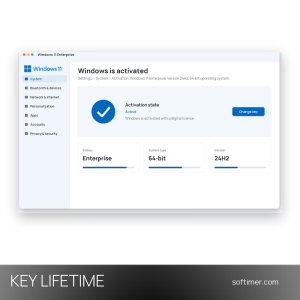
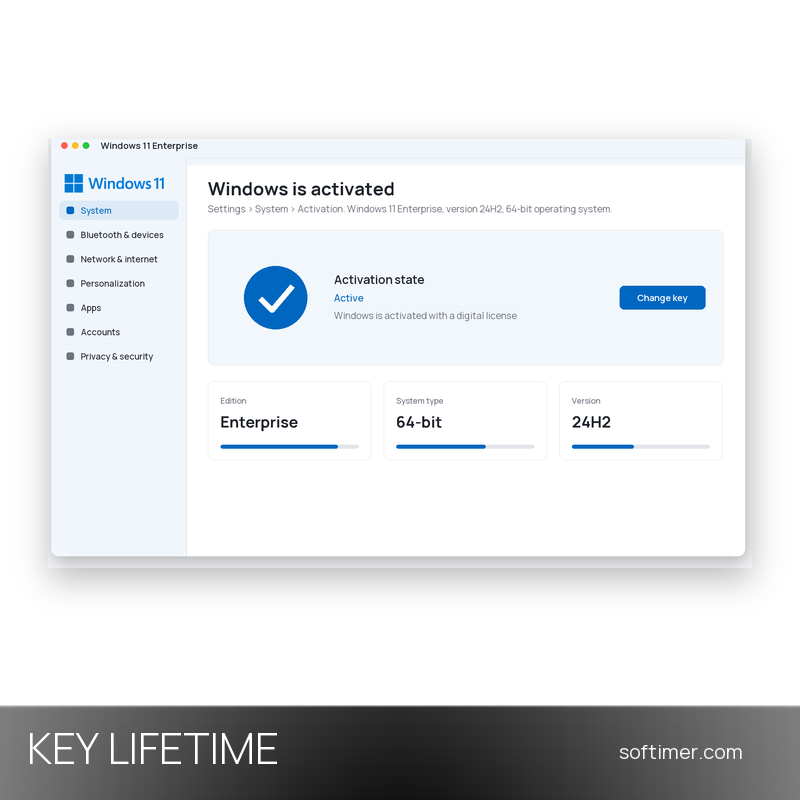
- Go back to Settings, System, Activation and check that the status says Windows is activated, then run Windows Update.
Delivery:
This product is delivered digitally. After your purchase is confirmed, the license key and activation guidance are sent to the email address provided at checkout. Delivery times may vary depending on the product type.
Same products



- New


- New
- New
- New



- New

- New

- New
- New



- New

- New
Feedback
This product has no reviews. Be the first to review this product!
Share your opinion about the product
This will help other buyers make purchasing decisions
Write a review