


Windows 7 Home Premium - License KEY - Windows
- New
Windows 7 Home Premium - License Key
Windows 7 Home Premium is the consumer edition of the Windows 7 operating system that Microsoft released in 2009: the Aero desktop with transparent windows, the redesigned taskbar with pinned programs and Jump Lists, Libraries, HomeGroup and Windows Media Center are all included. It is meant for home PCs and laptops and, today, mainly for older machines that run better on Windows 7 than on newer releases, for programs or peripherals that only work with this generation of Windows, and for virtual machines or offline computers. What you buy is a product key for Windows 7 Home Premium: the key is entered during installation or later in the System window and activates the copy on the PC; it accepts both the 32-bit and the 64-bit installation media of this edition.
This product is a license key for Windows 7 Home Premium for use on 1 PC running Windows. The supplier does not state the duration of the license, so no specific validity period is guaranteed. The key is delivered by email together with the activation instructions.
Microsoft ended support for Windows 7 in January 2020: the system still installs and activates, but it no longer receives security updates and many current browsers and programs have dropped it. It remains a practical choice when you need the familiar Windows 7 environment for legacy software, for a PC that cannot run Windows 10 or 11, or for a test machine, ideally kept away from untrusted networks.
Key Features:
- Aero desktop: Transparent window frames, Aero Peek, Snap and Shake, live taskbar thumbnails and Jump Lists give the classic Windows 7 look and quick access to open windows and recent files.
- Windows Media Center: The Home Premium edition includes Media Center for DVDs, TV tuners, photo and music collections, plus DVD playback in Windows Media Player 12.
- HomeGroup and Libraries: A HomeGroup shares documents, pictures, music and printers between the Windows 7 PCs of the household with a single password; Libraries gather folders from several drives in one view.
- Backup and Action Center: Backup and Restore creates scheduled copies and full system images on a local drive, while the Action Center collects security and maintenance notices in one place.
- 32-bit and 64-bit versions: The edition exists in both architectures: the 64-bit version addresses up to 16 GB of RAM, the 32-bit version keeps compatibility with older drivers and programs.
Product Details:
- Product: Microsoft Windows 7 Home Premium
- Version: Windows 7 with Service Pack 1, 32-bit or 64-bit
- License Type: license key; duration not stated by the supplier
- Platform: Windows
- Devices: 1 PC
- Language: Multilingual (English, German, French, Italian, Russian and other languages; the language depends on the installation media used)
- Delivery: license key and instructions by email after payment confirmation (usually within a few hours)
- Activation: online, license key entered in the application
- Region: not specified – if you need activation in a specific country, contact us before ordering
- Publisher: Microsoft
- Edition: Home Premium
System Requirements:
- Processor: 1 GHz or faster, 32-bit (x86) or 64-bit (x64)
- Memory: 1 GB of RAM (32-bit) or 2 GB of RAM (64-bit)
- Storage: 16 GB (32-bit) or 20 GB (64-bit) of free disk space
- Graphics: DirectX 9 graphics device with a WDDM 1.0 or later driver
How to Activate:
- Install Windows 7 Home Premium from installation media of this edition (a DVD or a USB stick created from an ISO file), choosing the 32-bit or 64-bit version that suits the PC.
- During setup, enter the 25-character product key when asked; you can also skip this step and enter the key later in Control Panel, System, under Change product key.
- Connect the PC to the internet and click Activate Windows in the System window: activation completes online in a few moments; phone activation is available as an alternative.
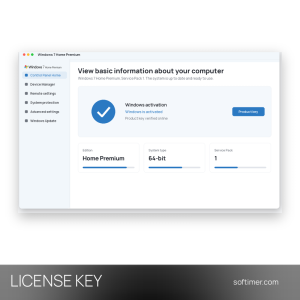
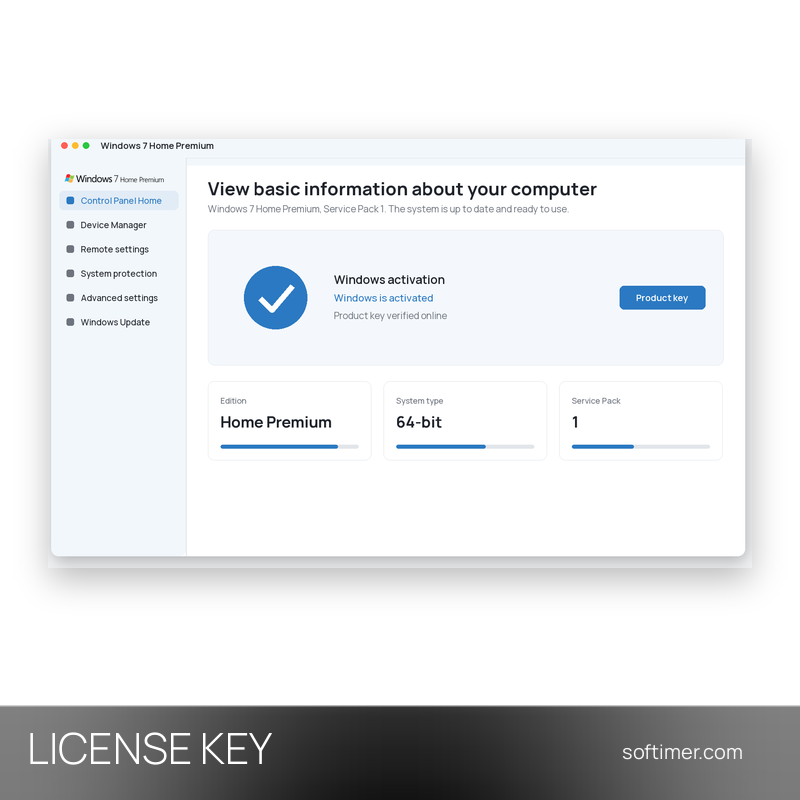
- Open Control Panel, System and check that the Windows activation section says Windows is activated, then run Windows Update to install the available updates.
Delivery:
This product is delivered digitally. After your purchase is confirmed, the license key and activation guidance are sent to the email address provided at checkout. Delivery times may vary depending on the product type.
Same products
- New


- New





- New
- New
- New


- New
- New


- New

- New


Feedback
This product has no reviews. Be the first to review this product!
Share your opinion about the product
This will help other buyers make purchasing decisions
Write a review