


Miro - 2 Years - ACCOUNT
- New
Miro - 2 Years Account
Miro is an online collaborative whiteboard developed by RealtimeBoard, Inc., where notes, diagrams, images and documents are arranged on a shared canvas that grows as you work. It is used by product and design teams, project managers, teachers and workshop facilitators to brainstorm, map processes and plan projects together, in real time or at different moments. This listing gives access to a paid Miro plan: the plan level is the one shown in the product name; where the name shows no level, the supplier does not specify it.
This product is account access to Miro for 2 years: you receive the login details by email and use the service for 1 user (web browser and Windows).
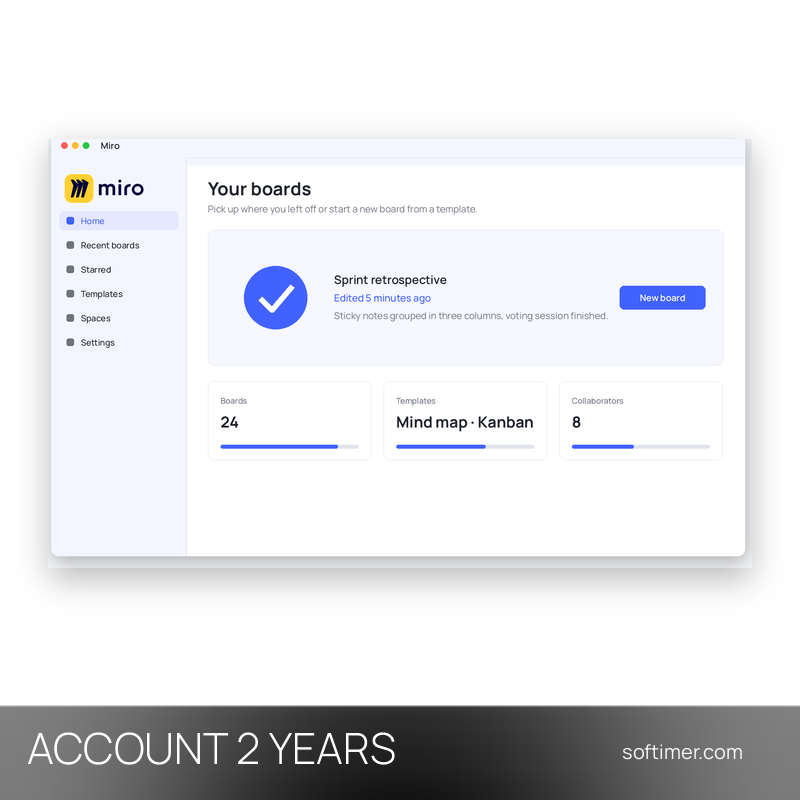
A typical use is a team retrospective or a planning session: everyone opens the same board from the browser, adds sticky notes, groups them, votes on the ideas and leaves the board in place as a living record of the decisions.
Key Features:
- Infinite canvas: Sticky notes, text, shapes, connectors, freehand drawing, images and files sit on one board that can be zoomed and extended in every direction.
- Template library: Ready-made boards for mind maps, flowcharts, kanban, retrospectives, customer journeys and meeting agendas help you start without a blank page.
- Real-time collaboration: Several people can edit the same board at once, see each other's cursors and leave comments and mentions on any object.
- Diagrams and mind maps: Shape libraries, smart connectors and a dedicated mind map tool make it quick to draw processes, org charts and system overviews.
- Workshop tools: Timer, voting and presentation mode help facilitators run brainstorming sessions and meetings directly on the board.
- Sharing and export: Boards can be shared by link or by invitation and exported as images or PDF files to attach to documents and reports.
Product Details:
- Product: Miro
- Version: current versions of the apps for all supported platforms
- License Type: account access for 2 years
- Duration: 2 years
- Platform: Web browser (desktop app for Windows available)
- Devices: 1 user
- Language: Multilingual (English, German, French and other languages)
- Delivery: login details (e-mail and password) and instructions by email after payment confirmation
- Activation: sign in with the login details received in the application
- Region: not specified – if you need activation in a specific country, contact us before ordering
- Account holder: the account is created and kept by the supplier: it is not registered in your name and the supplier keeps control of it, so it has to be used exactly as delivered
- Notes: Private account for a single buyer, not shared with other customers; the supplier declares a plan with up to 10 team members
- Publisher: RealtimeBoard, Inc. (Miro)
System Requirements:
- Browser: A current version of Chrome, Edge, Firefox or Safari; the optional desktop app runs on Windows
- Internet: Permanent internet connection (boards are stored in the cloud)
How to Activate:
- Open the access details received after purchase (login details or activation link) and sign in to Miro in your browser as indicated there.
- Do not change the e-mail address or password and do not add payment methods unless we tell you to.
- Check the active plan in the account settings, then create a board or pick a template to start working.
Delivery:
This product is delivered digitally. After your purchase is confirmed, the login details and usage instructions are sent to the email address provided at checkout. Delivery times may vary depending on the product type.
Same products




- New




- New

- New



- New


- New


- New


- New
- New
Feedback
This product has no reviews. Be the first to review this product!
Share your opinion about the product
This will help other buyers make purchasing decisions
Write a review