


WPS Office Premium - 2 Devices / 1 Year - Shared ACCOUNT


- New
WPS Office Premium - 1 Year Shared Account
WPS Office is the office suite developed by Kingsoft that combines a word processor, a spreadsheet editor, a presentation tool and a PDF editor in one application. It opens and saves the Microsoft Office formats (DOCX, XLSX, PPTX) as well as PDF, so it suits students, home users and small offices who want to work on the same files on a computer and on a phone. What you buy here is access to a paid WPS plan through an account: after signing in to the WPS Office app, the plan removes ads and unlocks the premium tools of the suite.
This product is access to a shared WPS Office Premium account for 1 year: the login details are sent by email and the same account is used by several customers at the same time (the limit of 2 devices applies to the whole shared account, not to each customer). Use of the account follows the rules described below.
A typical use: writing and formatting documents at the desk, checking a spreadsheet or a presentation on the phone before a meeting, and converting, signing or annotating PDF files without a separate PDF program.
Key Features:
- Writer, Spreadsheet and Presentation: Three editors with a familiar tabbed interface, compatible with Word, Excel and PowerPoint files, including formulas, charts, styles and slide transitions.
- PDF editing and conversion: Paid plans unlock tools to edit PDF text, merge and split files, add signatures and convert PDF documents to and from Office formats.
- No ads: With an active plan the app no longer shows the advertising of the free version while you work.
- Templates: A library of templates for résumés, reports, invoices, spreadsheets and presentations to start a file quickly.
- Desktop and mobile apps: The same account signs in to WPS Office on Windows, macOS, Android and iOS, within the device limit of the plan.
Product Details:
- Product: WPS Office
- Version: current versions of the apps for all supported platforms
- License Type: shared account, access for 1 year
- Duration: 1 year
- Platform: Windows, macOS, Android and iOS
- Devices: up to 2 devices in total on the shared account (not per customer)
- Language: Multilingual (English, German, French, Italian, Russian and other languages)
- Delivery: login details of the shared account and usage rules by email after payment confirmation
- Activation: sign in with the login details received in the application
- Region: not specified – if you need activation in a specific country, contact us before ordering
- Notes: The 2 devices of the shared account are one computer and one mobile device. The supplier calls the plan Premium but also mentions a Pro + AI plan in its description, so the exact level of the plan is not guaranteed. No refunds after delivery
- Publisher: WPS Software (Kingsoft)
System Requirements:
- Operating system: Windows, macOS, Android or iOS with the WPS Office app installed
- Internet: Connection required to sign in and to verify the plan
How to Activate:
- Install WPS Office from wps.com, the Mac App Store, Google Play or the App Store.
- Open the app and sign in with the e-mail address and password received after purchase.
- Do not change the e-mail address, password or security settings of the account and do not add payment methods unless we tell you to.
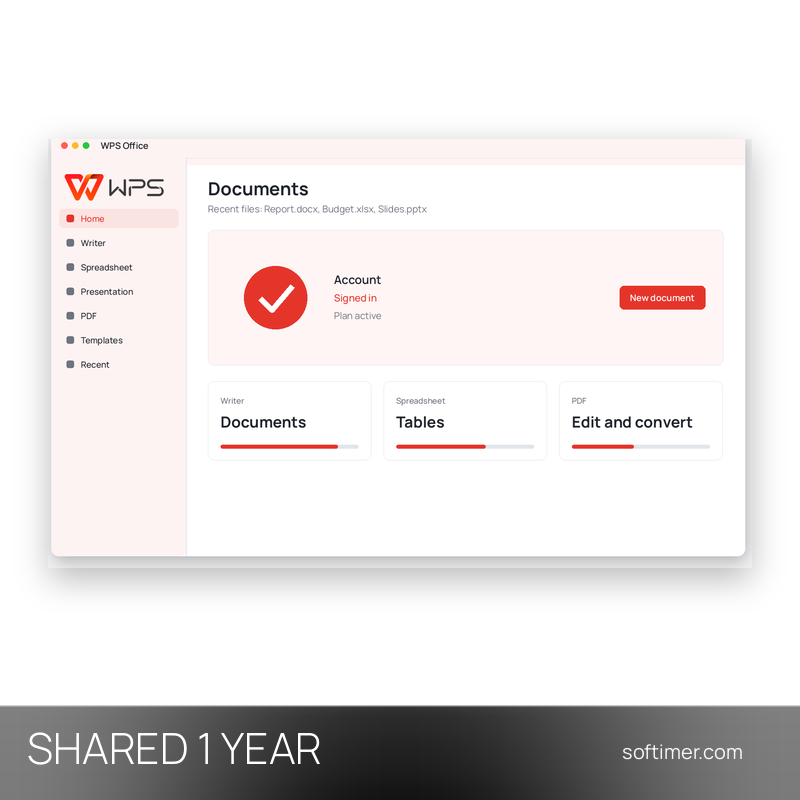
- Check in the account section of the app that the paid plan is shown as active.
Please note: The login details of this shared account are used by several customers at the same time. The account is not personal: it is not registered in your name, it is shared with other customers and it stays under the control of the supplier. Do not change the password, e-mail address or any account setting, do not add payment methods and do not exceed the allowed number of devices. Access is provided for 1 year; replacement in case of technical problems is covered only within the warranty stated in the details, if the supplier provides one.
Delivery:
This product is delivered digitally. After your purchase is confirmed, the login details and usage instructions are sent to the email address provided at checkout. Delivery times may vary depending on the product type.
Same products


- New


- New




- New

- New


- New

- New


- New

- New


- New


- New


Feedback
This product has no reviews. Be the first to review this product!
Share your opinion about the product
This will help other buyers make purchasing decisions
Write a review