


MagicPods Microsoft Store Windows PC activation


€9.80
Tax included
Key Features:
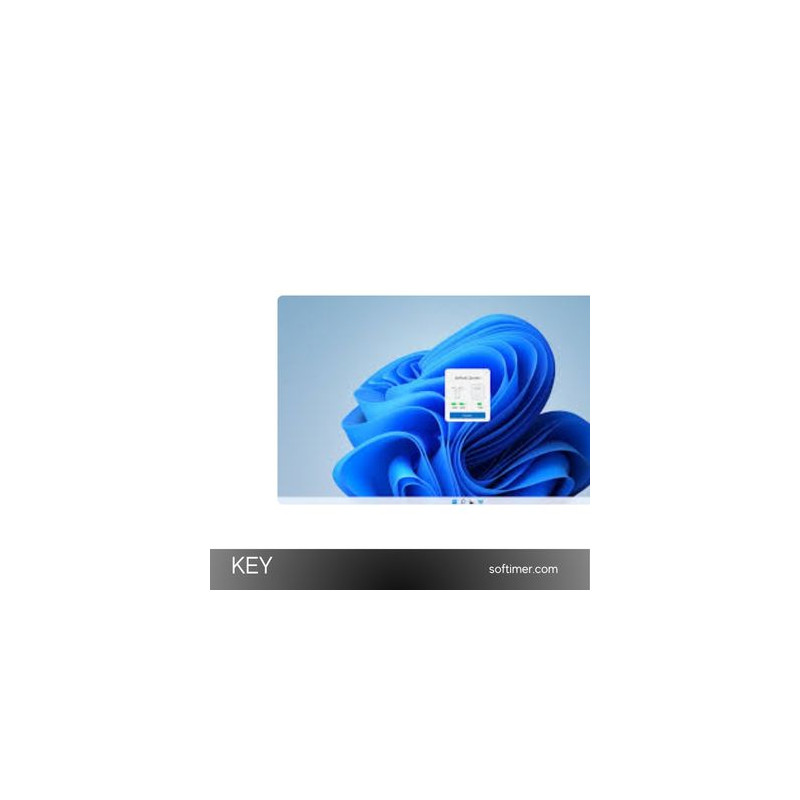
- Seamless AirPods Integration: Connect Apple AirPods or Beats devices to your Windows PC effortlessly.
- Battery Level Display: View real-time battery levels for both earbuds and the charging case.
- Automatic Connection: Your AirPods connect instantly when removed from the case.
- Smart Notifications: Get sound and visual alerts for connection status and battery percentage.
- Customizable Settings: Adjust interface, animations, and device behavior to your preferences.
- Microsoft Store Integration: Secure, official software activation via your Microsoft account.
System Requirements:
- Operating Systems: Windows 11, Windows 10
- Internet: Required for activation
- Bluetooth: Bluetooth 4.0 or higher required for device pairing
License Details:
- License Type: One-time activation (lifetime for the purchased account)
- Platform: Microsoft Store (Windows PC)
- Region: Global — no regional restrictions
How to Activate:
- After purchasing, you’ll receive a unique activation code by email.
- Log into your Microsoft Store account associated with your Windows PC.
- Redeem or enter the activation code to download and activate MagicPods.
- Once installed, launch the app and enjoy full AirPods functionality on Windows.
Why Choose MagicPods:
MagicPods is ideal for users who want to enjoy Apple AirPods’ premium features on a Windows device. It delivers smooth performance, real-time battery monitoring, and a user-friendly interface for an optimized Bluetooth experience.
Useful Links:
- Official Website: Microsoft Store
Same products


- New

- New


- New



- New


- New


- New


- New


- New
- New



- New


Feedback
This product has no reviews. Be the first to review this product!
Share your opinion about the product
This will help other buyers make purchasing decisions
Write a review