


Norton 360 Deluxe - 5 Devices / 3 Months - ACCOUNT


- New
Norton 360 Deluxe - 3 Months Account
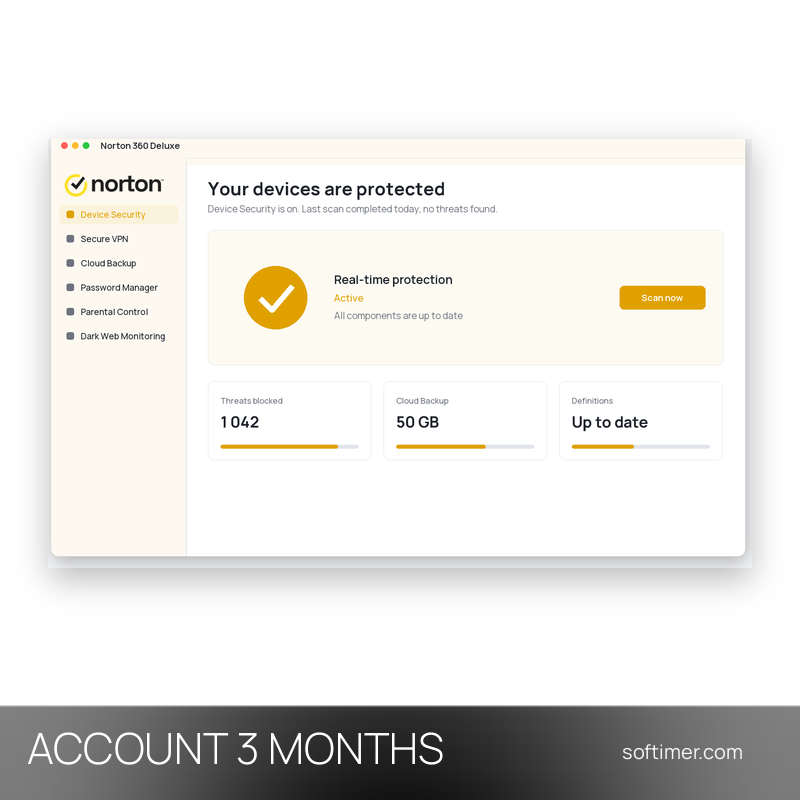
Norton 360 Deluxe is the mid-range plan of the Norton 360 line from Gen Digital (formerly NortonLifeLock): antivirus, VPN, password manager and cloud backup in one subscription. It is meant for households and small offices that want to cover PCs, Macs, smartphones and tablets with a single product instead of separate tools for security, privacy and backups. The subscription is linked to a Norton account: from the My Norton dashboard you see the covered devices, the expiry date and the download links for each platform.
This product is account access to Norton 360 Deluxe for 3 months from the purchase date: you receive the login details by email and use the service on 5 devices (Android, iOS, macOS and Windows).
In a typical set-up the Windows PC gets the full suite (antivirus, Smart Firewall, Cloud Backup, SafeCam), the Mac gets antivirus, firewall and VPN, and the phones get the Norton 360 app with Wi-Fi security and VPN. Any other antivirus should be removed before Norton is installed.
Key Features:
- Real-time threat protection: Layered protection with signature, heuristic and behaviour analysis stops viruses, ransomware, spyware and phishing sites on PC, Mac, Android and iOS before they do damage.
- Secure VPN: Encrypts the connection on public Wi-Fi and hides your IP address from the sites you visit, with a no-log policy and server locations in many countries.
- Password Manager: Creates strong passwords and keeps logins, addresses and card details in an encrypted vault synced between the browser extension and the mobile app.
- Cloud Backup: The Deluxe plan includes 50 GB of cloud storage for the files on your Windows PC, a safeguard against disk failures, theft and ransomware; backups can run on a schedule.
- Dark Web Monitoring: Searches dark web forums and marketplaces for the e-mail addresses, card numbers and other details you register and notifies you when they turn up.
- Parental Control: Web filtering, screen-time rules, location supervision and activity reports for the children's Windows, Android and iOS devices, managed from the parent's account.
- Smart Firewall and SafeCam: The firewall watches traffic on PC and Mac and blocks unauthorised connections; SafeCam warns you when a program tries to use the webcam of the Windows PC.
Product Details:
- Product: Norton 360 Deluxe
- Version: current versions of the apps for all supported platforms
- License Type: account access for 3 months from the purchase date
- Duration: 3 months
- Platform: Android, iOS, macOS and Windows
- Devices: 5 devices
- Language: Multilingual (English, German, French, Italian, Russian and other languages)
- Delivery: login details (e-mail and password) and instructions by email after payment confirmation
- Activation: sign in with the login details received in the application
- Region: worldwide except Russia and Belarus
- Validity: the license term counts from the purchase date, not from activation
- Key registration: the key is registered on a partner account of the supplier: you receive the key together with the login details of that account; it cannot be re-registered on your own account
- Notes: electronic software distribution (ESD) license
- Publisher: Gen Digital (Norton)
System Requirements:
- Operating System: Windows 11, 10, 8.1 or 7 SP1; current macOS and the two previous releases; Android 10 or later; current iOS and the two previous releases
- Feature availability: Cloud Backup and SafeCam work on Windows only (not in S mode); Parental Control is not available on macOS
- Internet: Connection required for activation, protection updates, VPN and cloud backup
How to Activate:
- Sign in to My Norton with the e-mail address and password delivered with your order: the subscription is already active on that account.
- Do not change the account e-mail or password and do not add payment details unless our instructions say otherwise.
- Remove any other antivirus, then install Norton 360 from My Norton (Windows/Mac) or the Norton 360 app from Google Play or the App Store, signing in with the same account.
- Run a first scan and switch on Secure VPN, Password Manager, Cloud Backup and Parental Control; devices and expiry date appear in My Norton.
Delivery:
This product is delivered digitally. After your purchase is confirmed, the login details and usage instructions are sent to the email address provided at checkout. Delivery times may vary depending on the product type.
Same products


- New


- New


- New


- New


- New


Feedback
This product has no reviews. Be the first to review this product!
Share your opinion about the product
This will help other buyers make purchasing decisions
Write a review