


MAGIX Photostory Deluxe 2020 - Lifetime License KEY - Windows
- New
MAGIX Photostory Deluxe 2020 - Perpetual License
MAGIX Photostory Deluxe is a Windows program from MAGIX for turning photos and video clips into slideshows with music, transitions, effects and titles. It is designed for home users, travellers, families and teachers who want an attractive photo movie without learning a full video editor. This listing is a license key for the Windows desktop program; the version is the one shown in the product name.
This product is a perpetual license key for MAGIX Photostory Deluxe 2020: it does not expire and can be used on 1 PC running Windows. The key is delivered by email together with the activation instructions.
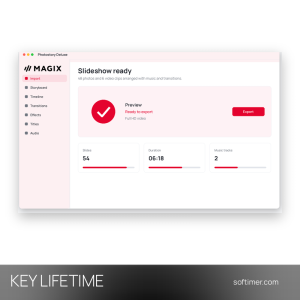
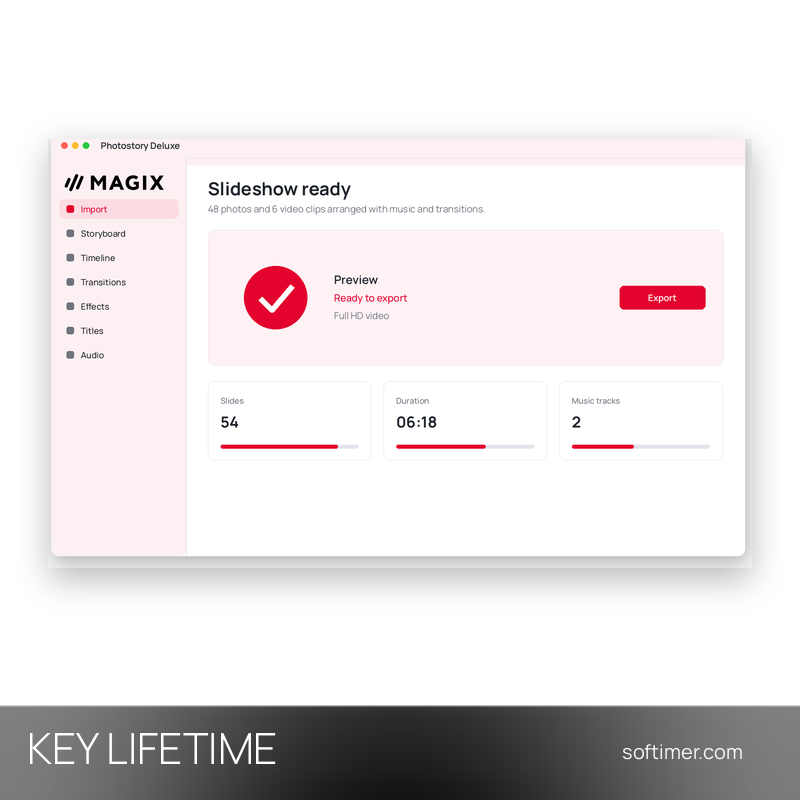
A typical project starts by importing the pictures and clips of a holiday or family event. You can let the program build a first version automatically or arrange the images yourself, then add background music, a voice-over, titles and transitions, and finally export the slideshow as a video file for the TV, the computer or an online platform.
Key Features:
- Photo and video slideshows: Combines pictures and video clips on a timeline, with control over the display time and order of every item.
- Transitions and effects: A wide choice of transitions, image effects and camera movements gives each slide its own animation.
- Music, narration and sound: Background music, recorded commentary and sound effects can be added and balanced against each other.
- Automatic creation with templates: Ready-made templates help put together a complete slideshow quickly, which you can then adjust by hand.
- Titles and export: Animated titles and captions tell the story, and the finished show is exported as a video for PC, TV or online sharing.
Product Details:
- Product: MAGIX Photostory Deluxe
- Version: 2020
- License Type: perpetual license key, no expiry
- Platform: Windows desktop
- Devices: 1 PC
- Language: Multilingual (English, German, French, Italian, Russian and other languages)
- Delivery: license key and instructions by email after the order has been verified (not instant, usually within a few hours)
- Activation: Key registered in a MAGIX account
- Publisher: MAGIX Software GmbH
How to Activate:
- Sign in to your MAGIX account on the MAGIX website, or create a new one.
- Register the license key in the product area of the MAGIX Service Center.
- Download the installer for the registered product and install it on your Windows PC.
- Start the program and enter the key if you are asked for it during activation.
Delivery:
This product is delivered digitally. After your purchase is confirmed, the license key and activation guidance are sent to the email address provided at checkout. Delivery times may vary depending on the product type.
Same products





- New





- New


- New


- New

- New

- New




- New


- New


- New


- New
Feedback
This product has no reviews. Be the first to review this product!
Share your opinion about the product
This will help other buyers make purchasing decisions
Write a review