


Ashampoo Meta Fusion - Lifetime - ACCOUNT

- New
Ashampoo Meta Fusion - Lifetime Account
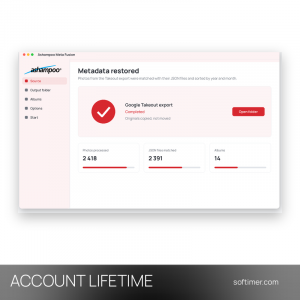
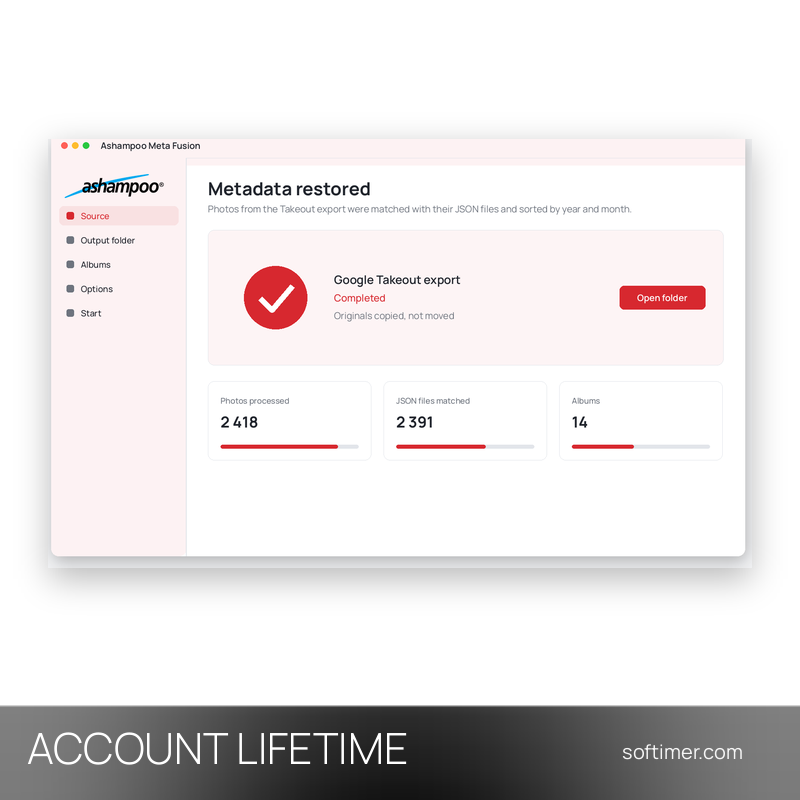
Ashampoo Meta Fusion is a small Windows utility from Ashampoo that puts the photo information back into pictures exported from Google Photos with Google Takeout. Takeout stores dates, places, descriptions and other details in separate JSON files next to the images; the program pairs each photo with its file and writes the data into the image, so the archive can be sorted and searched again in any photo viewer. The license is tied to an Ashampoo account: the program is installed on your Windows PC and unlocked through that account in the Ashampoo App.
This product is account access to Ashampoo Meta Fusion for life: you receive the login details by email and use the service for a number of PCs not stated by the supplier (Windows).
A typical case is leaving Google Photos or keeping an offline copy: download the Takeout archive, let Meta Fusion merge the metadata into the pictures, sort the output into year and month folders and import the finished collection into the photo manager you already use.
Key Features:
- Metadata merged back into photos: Capture dates, locations, camera data, titles, descriptions and ratings stored in the JSON files are written directly into the matching images.
- Year and month folders: Processed pictures can be copied to a separate output folder and arranged automatically by year and month.
- Originals left untouched: Files can be copied instead of moved, so the downloaded Takeout export stays as it was.
- Album handling: Google Photos albums can be kept as folders, ignored when not needed, or described in separate JSON files.
- Dates from file names: When a picture has no date information, the program tries to read it from the file name and can skip extra copies such as edited versions.
Product Details:
- Product: Ashampoo Meta Fusion
- Version: current version for Windows (installed through the Ashampoo App)
- License Type: account access for life
- Platform: Windows desktop
- Devices: number of PCs not stated by the supplier
- Language: Multilingual (English, German, French, Italian, Russian and other languages)
- Delivery: login details (e-mail and password) and instructions by email after payment confirmation
- Activation: Redeemed in the Ashampoo App with an Ashampoo account
- Region: not specified – if you need activation in a specific country, contact us before ordering
- Account holder: the account is created and kept by the supplier: it is not registered in your name and the supplier keeps control of it, so it has to be used exactly as delivered
- Publisher: Ashampoo GmbH & Co. KG
System Requirements:
- Operating System: Windows 11 or Windows 10 (64-bit)
- Software: Ashampoo App and the Ashampoo account that holds the license
- Screen: Recommended resolution 1920 x 1080 at 125% scaling
How to Activate:
- Download the Ashampoo App from the Ashampoo website and install it on your Windows PC.
- Open Login in the menu and sign in with the Ashampoo account email and password you received: the license on that account unlocks the full version.
- Install Meta Fusion from the Ashampoo App and start the program.
- Do not change the email address or password of the account unless we tell you to.
Delivery:
This product is delivered digitally. After your purchase is confirmed, the login details and usage instructions are sent to the email address provided at checkout. Delivery times may vary depending on the product type.
Same products


- New



- New
- New


- New


- New


- New

- New
Feedback
This product has no reviews. Be the first to review this product!
Share your opinion about the product
This will help other buyers make purchasing decisions
Write a review