


Windows 8.1 Home - License KEY - Windows
- New
Windows 8.1 Home - License Key
Windows 8.1 is the operating system Microsoft released in October 2013 as the update of Windows 8; this is its base edition, known as Core, the version for home computers that keeps the tile-based Start screen and adds the classic desktop, the Windows Store and cloud sync. It suits home users who need Windows 8.1 for an older PC, a virtual machine or a program written for this generation; business features such as domain join, BitLocker or Hyper-V are only in the Pro and Enterprise editions. What you buy is a product key for the base edition of Windows 8.1: it is entered during installation or later in PC settings and is not meant for the Pro edition or for the Single Language version, which is a separate product.
This product is a license key for Windows 8.1 Home for use on 1 PC running Windows. The supplier does not state the duration of the license, so no specific validity period is guaranteed. The key is delivered by email together with the activation instructions.
Microsoft ended support for Windows 8.1 in January 2023: the system still installs and activates, but it no longer receives security updates and many current browsers and programs have dropped it. It remains a practical choice for legacy software, for a PC that cannot run Windows 10 or 11 or for a test machine, ideally kept away from untrusted networks.
Key Features:
- Start screen and live tiles: The Start screen shows live tiles that can be resized, grouped and sorted, next to the classic desktop with the taskbar and File Explorer for traditional programs.
- Windows Store and built-in apps: The system includes apps for mail, calendar, photos, news and weather, and further apps of that generation were installed from the Windows Store.
- SkyDrive integration: The cloud storage, later renamed OneDrive, is built into File Explorer: documents, photos and PC settings sync across devices signed in with the same Microsoft account.
- Built-in protection: Windows Defender, SmartScreen and the Windows firewall are included, so the PC has basic protection against malware and unsafe downloads without extra software.
- File History and recovery: File History keeps copies of your personal files on another drive, and the refresh and reset options repair or reinstall the system without a separate tool.
Product Details:
- Product: Microsoft Windows 8.1
- Version: Windows 8.1, 32-bit or 64-bit
- License Type: license key; duration not stated by the supplier
- Platform: Windows
- Devices: 1 PC
- Language: Multilingual (English, German, French, Italian, Russian and other languages; the language depends on the installation media used)
- Delivery: license key and instructions by email after payment confirmation (usually within a few hours)
- Activation: telephone activation of Windows following the instructions sent with the key (no phone call needed)
- Activation deadline: the code must be redeemed within 14 days of purchase
- Notes: multilingual interface; The supplier states that this key is activated with the telephone activation option of Windows, following the step-by-step instructions sent with the key; no phone call is needed and the process takes a few minutes
- Publisher: Microsoft
- Edition: Core (base edition)
System Requirements:
- Processor: 1 GHz or faster with support for PAE, NX and SSE2, 32-bit (x86) or 64-bit (x64)
- Memory: 1 GB of RAM (32-bit) or 2 GB of RAM (64-bit)
- Storage: 16 GB (32-bit) or 20 GB (64-bit) of free disk space
- Graphics: DirectX 9 graphics device with a WDDM driver
How to Activate:
- Install Windows 8.1 from standard installation media (a DVD or a USB stick created from the Windows 8.1 ISO file), choosing the 32-bit or 64-bit version that suits the PC.
- During setup, enter the 25-character product key when asked; you can also enter it later in PC settings, under Activate Windows, or in Control Panel, System.
- Complete the activation following the instructions sent with the key: depending on the key, it completes online or by phone (Confirmation ID entered on the activation screen).
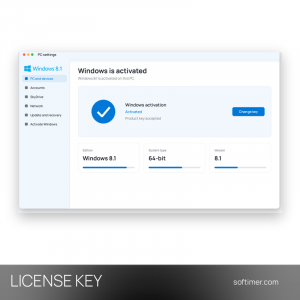
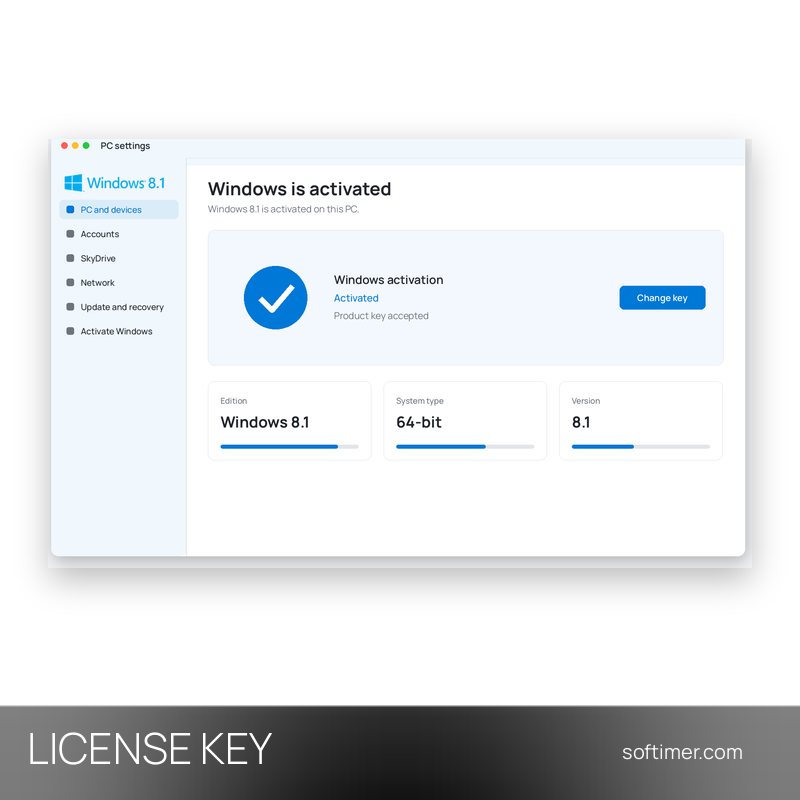
- Check in PC settings, Activate Windows that it says Windows is activated, then run Windows Update to install the available updates.
Delivery:
This product is delivered digitally. After your purchase is confirmed, the license key and activation guidance are sent to the email address provided at checkout. Delivery times may vary depending on the product type.
Same products
- New


- New
- New


- New


- New



- New


- New


- New
- New





- New
Feedback
This product has no reviews. Be the first to review this product!
Share your opinion about the product
This will help other buyers make purchasing decisions
Write a review