


Dropshare 5 - 3 Macs / License KEY - Mac

- New
Dropshare 5 - License Key
Dropshare is a file sharing app for macOS made by an independent developer: you drop a file, a screenshot or a screen recording on it and it uploads the item to a storage service of your choice, then copies the share link to the clipboard. It suits developers, designers, support staff and anyone who often sends files, images or short videos and prefers to keep them on their own cloud storage or server instead of a third-party sharing site. This listing is a license key that unlocks the paid version of Dropshare for Mac and is bound to your own email address, which we ask you for after the order; the storage itself (your cloud account or server) is not included and is configured by you in the app.
This product is a license key for Dropshare 5 for use on 3 Macs running macOS. The supplier does not state the duration of the license, so no specific validity period is guaranteed. The key is delivered by email together with the activation instructions.
A typical setup connects Dropshare to an existing Amazon S3 bucket, Dropbox, Google Drive or SFTP server: a screenshot taken with the app is uploaded right away and its link is ready to paste into a chat, an email or a ticket.
Key Features:
- Many storage connections: Uploads go to the service you configure, such as Amazon S3 and S3-compatible storage, Dropbox, Google Drive, OneDrive, SFTP, FTP or WebDAV.
- Screenshots and screen recordings: The app captures the screen or a selected area, records videos or animated GIFs and can annotate a capture before it is uploaded.
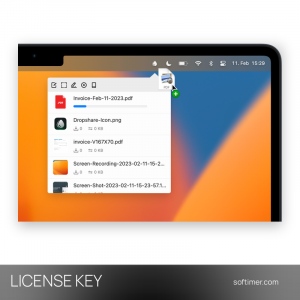
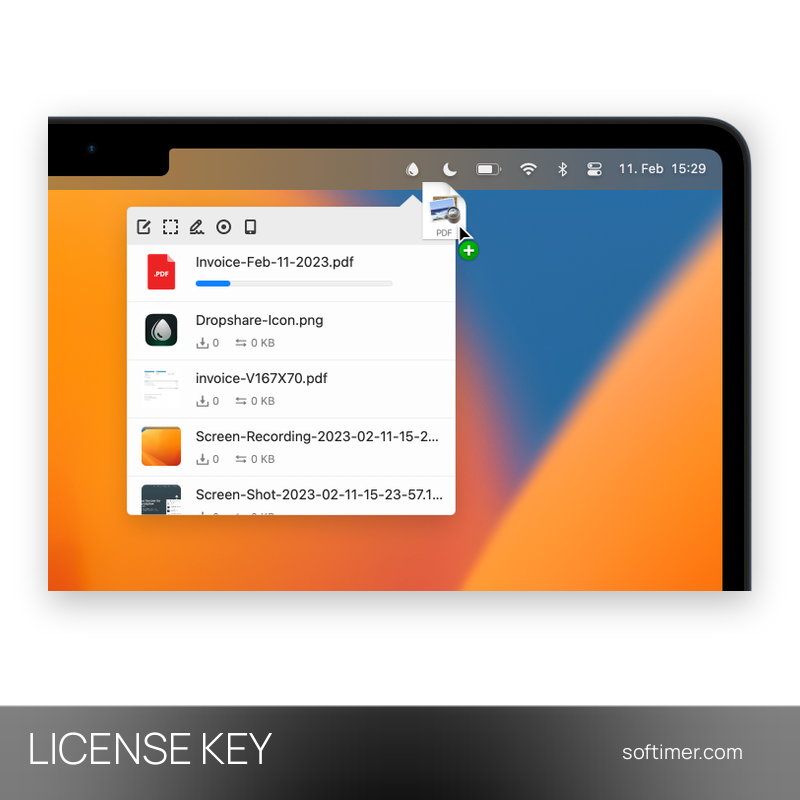
- Drag and drop from the menu bar: Files are dropped on the menu bar icon or the app window; once the upload ends, the link is copied to the clipboard automatically.
- Link options: Links can be shortened with a URL shortener and file names can be randomized, so shared addresses stay short and hard to guess.
- Upload history: Earlier uploads remain listed in the app, so a link can be copied again or a file removed from the storage later on.
Product Details:
- Product: Dropshare
- Version: 5
- License Type: license key; duration not stated by the supplier
- Platform: macOS
- Devices: 3 Macs
- Language: English interface
- Delivery: license key and instructions by email after the order has been verified (not instant, usually within a few hours)
- Activation: online, license key entered in the application
- Notes: The supplier registers this 3-Mac licence to your own email address: after ordering, reply with the email you want the licence bound to
- Publisher: Timo Josten (Dropshare)
System Requirements:
- Operating System: macOS on Intel or Apple silicon Macs; the minimum macOS version depends on the Dropshare release
- Storage: Your own cloud storage account or server for the uploads (not included)
- Internet: Needed for uploads and for license activation
How to Activate:
- Download Dropshare for Mac from the developer's website and move the app to the Applications folder.
- Open Dropshare and go to the license section of the app settings.
- Enter the license key you received and confirm to unlock the full version.
- Add a connection to your cloud storage or server and start uploading.
Delivery:
This product is delivered digitally. After your purchase is confirmed, the license key and activation guidance are sent to the email address provided at checkout. Delivery times may vary depending on the product type.
Same products


- New


- New


- New


- New





- New



- New


- New
Feedback
This product has no reviews. Be the first to review this product!
Share your opinion about the product
This will help other buyers make purchasing decisions
Write a review