


Zoom Workplace Business - 1 Month - ACCOUNT
- New
Zoom Workplace Business - 1 Month Account
Zoom Workplace is the collaboration platform from Zoom Communications that brings video meetings, Team Chat, whiteboards, calendar and the AI Companion assistant into one application. It is aimed at freelancers, teams and companies that hold regular online meetings and need more than the free plan allows: longer sessions, more participants, cloud recording and administration tools. What you buy is a paid Zoom plan: the product details below state how it is delivered, and the extra features appear in the Zoom app and in the web portal.
This product is account access to Zoom Workplace Business for 1 month: you receive the login details by email and use the service for a number of users not stated by the supplier (Windows, macOS, Linux, Android, iOS and web browser).
Key Features:
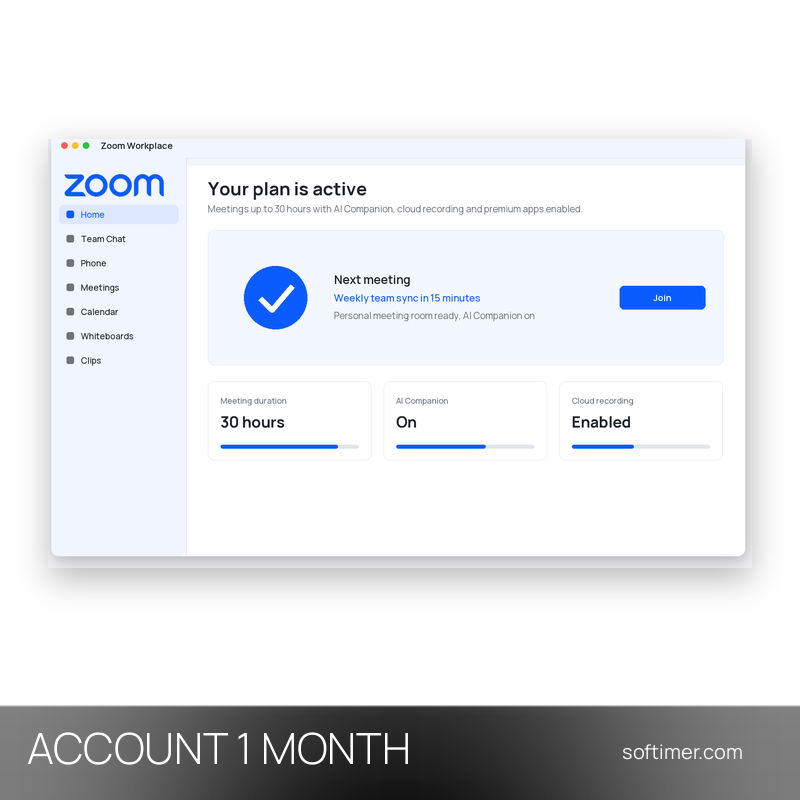
- Meetings up to 30 hours: Group meetings are no longer cut off after 40 minutes: a single session can last up to 30 hours, with the participant limit set by the plan (100 on Pro, 300 on Business).
- AI Companion: The built-in assistant summarises meetings, answers questions about what was said, drafts chat messages and helps you write in Zoom Docs and Team Chat.
- Cloud recording and Clips Plus: Meetings can be recorded to Zoom cloud storage and shared by link, and Clips Plus lets you record short video messages instead of scheduling a call.
- Team Chat, calendar and mail: Persistent channels and direct messages, shared calendar and mail integration keep a team's communication in the same window as its meetings.
- Business administration: The Business plan adds single sign-on (SSO), managed domains, company branding and an admin portal with usage reports for larger organisations.
Product Details:
- Product: Zoom Workplace
- Version: current versions of the apps for all supported platforms
- License Type: account access for 1 month
- Duration: 1 month
- Platform: Windows, macOS, Linux, Android, iOS and web browser
- Devices: number of users not stated by the supplier
- Language: Multilingual (English, German, French, Italian, Russian and other languages)
- Delivery: login details (e-mail and password) and instructions by email after payment confirmation
- Activation: sign in with the login details received in the application
- Region: not specified – if you need activation in a specific country, contact us before ordering
- Publisher: Zoom Communications, Inc.
System Requirements:
- Devices: Zoom Workplace app for Windows, macOS, Linux, Android and iOS, or the web client in a current browser, with a stable internet connection
How to Activate:
- Go to zoom.us in your browser or open the Zoom app and sign in with the e-mail address and password received after purchase.
- Do not change the e-mail address or password and do not add payment methods to the account unless we tell you to; the subscription is already active on it.
- Check the plan under Account Management / Billing, then install the Zoom Workplace app on your devices and sign in with the same credentials.
Delivery:
This product is delivered digitally. After your purchase is confirmed, the login details and usage instructions are sent to the email address provided at checkout. Delivery times may vary depending on the product type.
Same products
- New

- New
- New

- New



- New




- New

- New
- New



- New
Feedback
This product has no reviews. Be the first to review this product!
Share your opinion about the product
This will help other buyers make purchasing decisions
Write a review