


Windows Server 2016 Standard - Lifetime License KEY - Windows
- New
Windows Server 2016 Standard - Perpetual License
Windows Server 2016 is the server operating system developed by Microsoft and released in October 2016 on the same code base as Windows 10: it runs file, print, web and application services, domain controllers and virtual machines on physical or virtual hardware. It is intended for system administrators, small and medium businesses and IT departments that need to set up a reliable server with a flexible configuration, from a single machine in a small office to a virtualisation host in a data centre. What you buy is a product key for Windows Server 2016: the key is entered during installation or afterwards in the Activation settings and activates the copy on the server.
This product is a perpetual license key for Windows Server 2016 Standard: it does not expire and can be used on 1 PC running Windows. The key is delivered by email together with the activation instructions.
A common use is to consolidate several roles on one machine: Active Directory, DHCP and DNS for the network, a file server for the shared folders and a few virtual machines for line-of-business applications. Windows Server 2016 is a stable, well documented platform that is still supported by Microsoft with security updates until January 2027, and it is a frequent choice for lab environments and for servers that must keep running proven software.
Key Features:
- Hyper-V virtualisation: The built-in hypervisor runs Windows and Linux virtual machines; the Datacenter edition allows an unlimited number of virtual instances on the licensed host, the Standard edition two.
- Server roles and Active Directory: Domain controller, DNS, DHCP, file and print server, IIS web server, Remote Desktop Services and other roles are added from Server Manager or PowerShell.
- Security layers: Windows Defender, Credential Guard, Just Enough Administration and, in the Datacenter edition, shielded virtual machines and Host Guardian Service protect credentials, workloads and the host.
- Software-defined storage and networking: Storage Spaces Direct, Storage Replica and the software-defined networking stack of the Datacenter edition build clustered storage and virtual networks from standard servers.
- Containers and Nano Server: In the Standard and Datacenter editions, Windows Server Containers, Hyper-V Containers with Docker support and the lightweight Nano Server installation option reduce the footprint of the deployment.
Product Details:
- Product: Microsoft Windows Server 2016
- Version: Windows Server 2016, 64-bit
- License Type: perpetual license key, no expiry
- Platform: Windows
- Devices: 1 PC
- Language: Multilingual (English, German, French, Italian, Russian and other languages; the language depends on the installation media used)
- Delivery: license key and instructions by email after payment confirmation (usually within a few hours)
- Activation: online, license key entered in the application
- Activation deadline: the code must be redeemed within 7 days of purchase
- Notes: multilingual interface; retail license, as stated by the supplier
- Publisher: Microsoft
System Requirements:
- Processor: 1.4 GHz 64-bit processor compatible with the x64 instruction set, with NX/DEP and SLAT support
- Memory: 512 MB of RAM (2 GB for the installation with Desktop Experience)
- Storage: 32 GB of free disk space
- Other: Network adapter with Gigabit Ethernet, UEFI 2.3.1c firmware with Secure Boot and a TPM chip recommended
How to Activate:
- Install Windows Server 2016 from the installation media of the edition you purchased (a USB stick or ISO file) and choose the installation option with or without Desktop Experience.
- After the first sign-in open Settings, Update and Security, Activation and choose Change product key, or run slmgr /ipk followed by the key from an administrator command prompt.
- Enter the 25-character key and confirm: the server connects to Microsoft and activation completes online in a few moments.
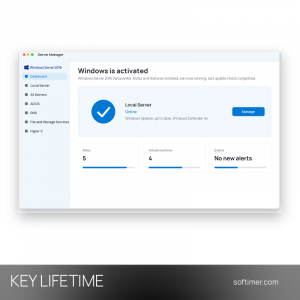
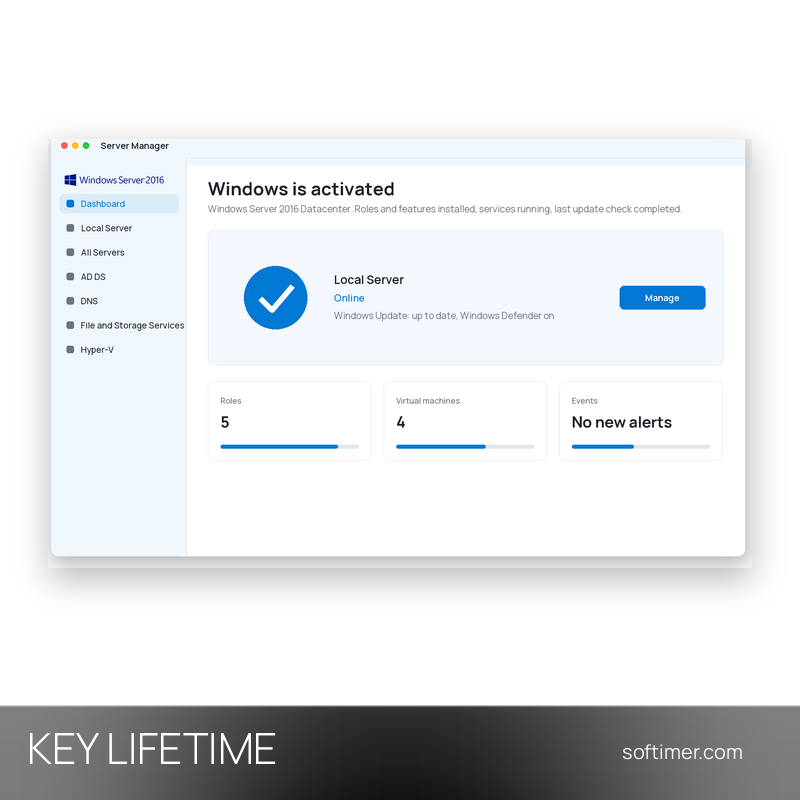
- Check that the Activation page says Windows is activated, then run Windows Update to install the latest security updates.
Delivery:
This product is delivered digitally. After your purchase is confirmed, the license key and activation guidance are sent to the email address provided at checkout. Delivery times may vary depending on the product type.
Same products


- New


- New


- New



- New


- New





- New


- New


- New


- New


- New
Feedback
This product has no reviews. Be the first to review this product!
Share your opinion about the product
This will help other buyers make purchasing decisions
Write a review