


Windows 8.1 Enterprise - License KEY - Windows
- New
Windows 8.1 Enterprise - License Key
Windows 8.1 Enterprise is the corporate edition of Windows 8.1, the operating system Microsoft released in October 2013: it includes everything in Professional, such as domain join, BitLocker and Client Hyper-V, and adds Windows To Go, DirectAccess, BranchCache and AppLocker. Microsoft distributed Windows 8.1 Enterprise to organisations through volume licensing, and it is still used on company PCs, virtual machines and test computers that have to run software written for this generation of Windows. What you buy is an activation code for Windows 8.1 Enterprise: it is entered in the activation settings of a Windows 8.1 Enterprise installation and activates that copy on the PC; it works with both the 32-bit and the 64-bit version of this edition.
This product is a license key for Windows 8.1 Enterprise for use on 1 PC running Windows. The supplier does not state the duration of the license, so no specific validity period is guaranteed. The key is delivered by email together with the activation instructions.
Microsoft ended support for Windows 8.1 in January 2023: the system still installs and activates, but it no longer receives security updates and many current browsers and programs have dropped it. It remains a practical choice for legacy business software, for a PC that cannot run Windows 10 or 11, or for a test machine, ideally kept away from untrusted networks.
Key Features:
- Windows To Go: A complete, managed Windows 8.1 workspace can be installed on a certified USB drive and started on another PC without touching the system installed there.
- DirectAccess and BranchCache: Remote laptops reach the company network without starting a VPN manually, and branch offices keep a local cache of files downloaded from the central servers.
- AppLocker and Start screen control: The administrator decides which programs and apps users may run and can lock the layout of the Start screen on company PCs.
- BitLocker and Client Hyper-V: BitLocker encrypts whole drives and removable media, and on a 64-bit PC with a compatible processor Hyper-V runs virtual machines without additional software.
- Domain join and Remote Desktop: The PC joins a Windows Server domain, follows central Group Policy settings and accepts Remote Desktop connections from other computers.
Product Details:
- Product: Microsoft Windows 8.1 Enterprise
- Version: Windows 8.1, 32-bit or 64-bit
- License Type: license key; duration not stated by the supplier
- Platform: Windows
- Devices: 1 PC
- Language: Multilingual (English, German, French, Italian, Russian and other languages; the language depends on the installation media and language packs used)
- Delivery: license key and instructions by email after payment confirmation (usually within a few hours)
- Activation: online, license key entered in the application
- Region: not specified – if you need activation in a specific country, contact us before ordering
- Notes: retail license, as stated by the supplier
- Publisher: Microsoft
- Edition: Enterprise
System Requirements:
- Processor: 1 GHz or faster with support for PAE, NX and SSE2, 32-bit (x86) or 64-bit (x64)
- Memory: 1 GB of RAM (32-bit) or 2 GB of RAM (64-bit)
- Storage: 16 GB (32-bit) or 20 GB (64-bit) of free disk space
- Graphics: DirectX 9 graphics device with a WDDM driver
How to Activate:
- Install Windows 8.1 Enterprise from installation media of this edition, choosing the 32-bit or 64-bit version that suits the PC; setup of this edition usually does not ask for a key.
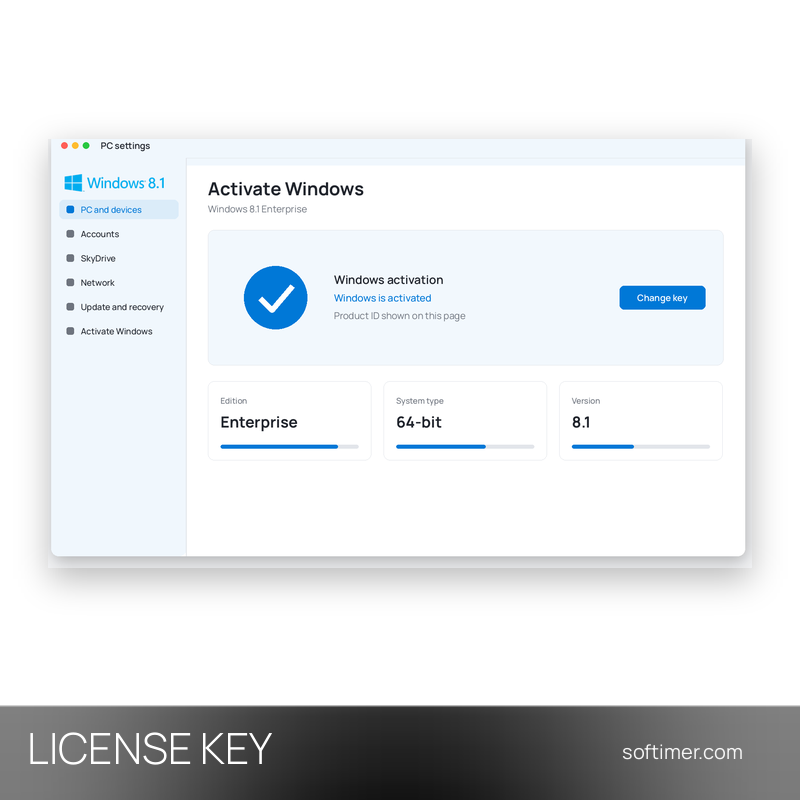
- When the desktop appears, open PC settings, Activate Windows (or Control Panel, System) and choose to change or enter the product key, then type the 25-character code you received.
- Keep the PC connected to the internet and click Activate: activation completes online in a few moments; phone activation is available as an alternative.
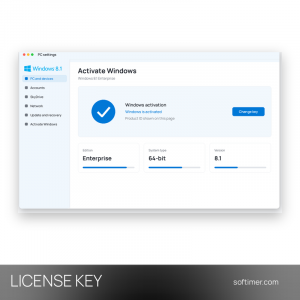
- Check that the activation page says Windows is activated, then run Windows Update to install the available updates.
Delivery:
This product is delivered digitally. After your purchase is confirmed, the license key and activation guidance are sent to the email address provided at checkout. Delivery times may vary depending on the product type.
Same products


- New


- New


- New


- New



- New



- New


- New


Feedback
This product has no reviews. Be the first to review this product!
Share your opinion about the product
This will help other buyers make purchasing decisions
Write a review