


Autodesk AutoCAD - 1 Year License KEY - 2027 / 2026 / 2025 / 2024

- New
Autodesk AutoCAD - 1 Year License
Autodesk AutoCAD is a professional computer-aided design (CAD) application for creating precise 2D drawings and 3D models. Used across architecture, engineering, construction, and manufacturing, it gives you the tools to draft, document, and design with accuracy and speed. This one-year license is intended for eligible educational use and supports a single selected version. You can choose your preferred version at the time of purchase from the available options: 2027, 2026, 2025, or 2024.
Key Features:
- 2D Drafting and Documentation: Create accurate drawings with a complete set of drawing, editing, and annotation tools.
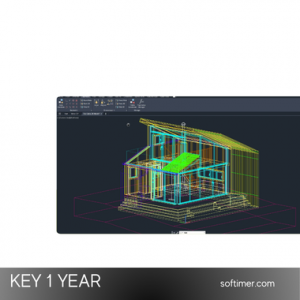
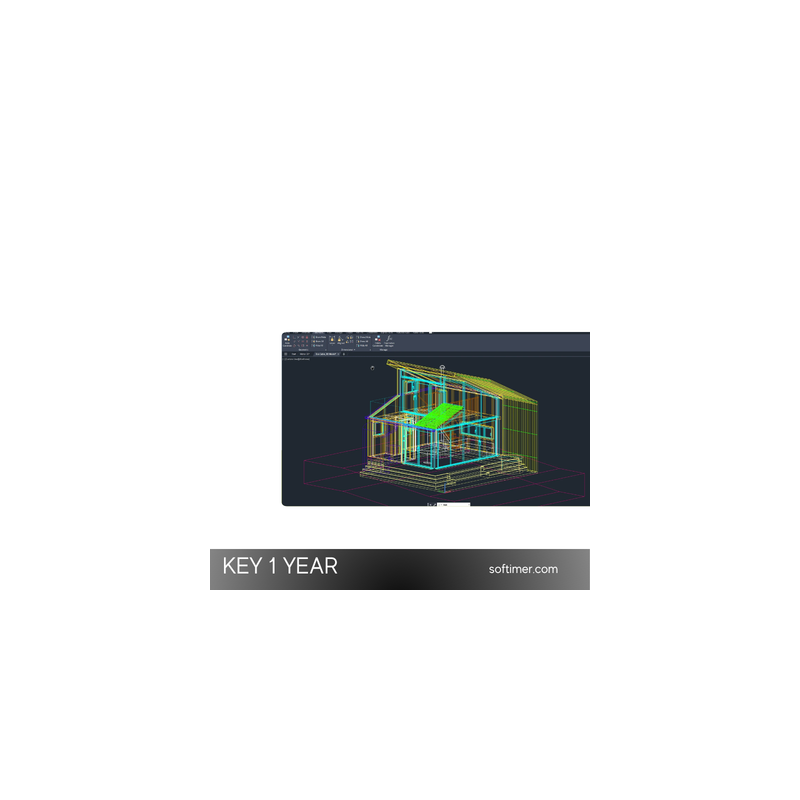
- 3D Modeling and Visualization: Design, model, and render three-dimensional objects with solid, surface, and mesh tools.
- Precision Tools: Work with exact measurements, coordinates, and constraints for professional-grade results.
- Blocks and Libraries: Reuse content with dynamic blocks and organized libraries to speed up your workflow.
- DWG File Support: Open, edit, and share native DWG files for smooth collaboration and compatibility.
- Layouts and Printing: Prepare drawing sheets, manage layers, and produce clean, print-ready output.
Product Details:
- Product: Autodesk AutoCAD
- License Type: Educational license, valid for 1 year
- Supported Versions: 2027, 2026, 2025, 2024
- Version Rule: One version must be selected at the time of purchase
- Updates: Included only within the purchased version
- Download Source: Official Autodesk website
- Support: Installation and activation assistance included
System Requirements:
- Operating System: 64-bit Windows 11 or Windows 10. Recent versions are also available for macOS.
- Processor: 3 GHz or faster CPU (multi-core recommended).
- Memory: 8 GB minimum, 16 GB or more recommended.
- Disk Space: 10 GB of free space for installation. SSD recommended.
- Display: 1920 x 1080 resolution or higher with a compatible graphics card.
- Internet: Required for download and activation.
Before purchasing, please confirm that your device meets the official system requirements for the selected version.
How to Activate:
- We recommend uninstalling any older or conflicting versions before you begin.
- Download AutoCAD for your selected version from the official Autodesk website.
- Install the software on your computer.
- Launch AutoCAD and enter the provided activation key when prompted.
- Follow the included guidance to complete installation and activation.
Delivery:
This product is delivered digitally. After your purchase is confirmed, the key details and activation guidance are sent to the email address provided at checkout. Delivery times may vary depending on the product type.
Useful Links:
- Official Website: Autodesk AutoCAD
Same products


- New


- New


- New


- New



- New


- New

- New


- New


- New



- New
Feedback
This product has no reviews. Be the first to review this product!
Share your opinion about the product
This will help other buyers make purchasing decisions
Write a review