


PreSonus Studio One Pro+ - 1 Year - ACCOUNT
- New
PreSonus Studio One Pro+ - 1 Year Account
Studio One is the digital audio workstation developed by PreSonus, the audio company that is now part of Fender; the most recent Pro release is also distributed under the Fender name. It is built for songwriters, home studios and audio engineers who want to record, arrange, mix and master inside a single program, with a drag and drop interface that keeps browser, editor and mixer in one window. The purchase unlocks the chosen edition of Studio One on a PreSonus account, together with the virtual instruments, effects and sound content that belong to that edition.
This product is account access to PreSonus Studio One Pro+ for 1 year: you receive the login details by email and use the service for 1 user (Windows and macOS).
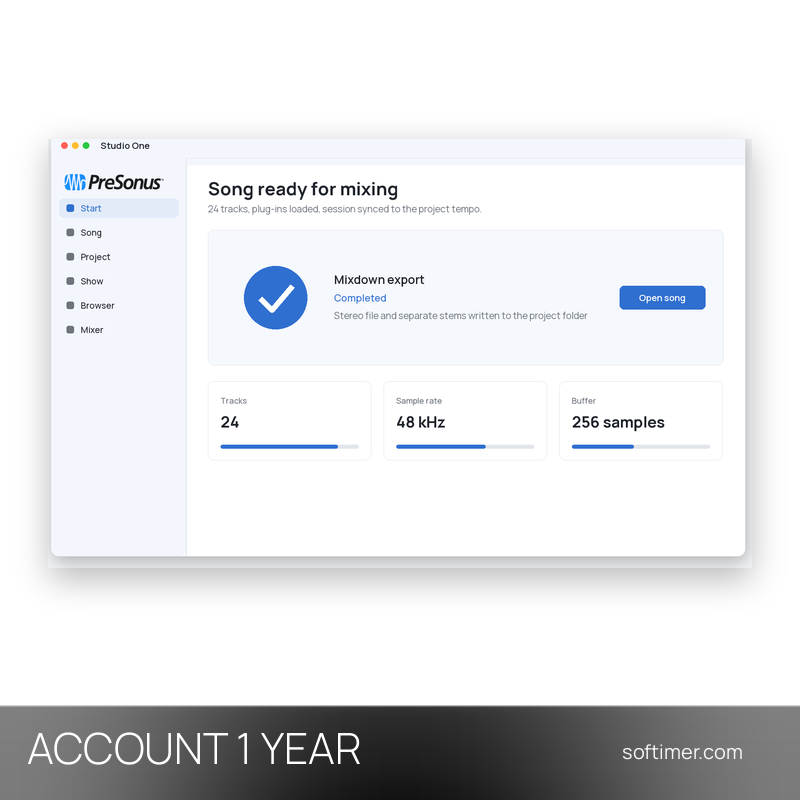
A typical session starts on the Song page: audio and MIDI tracks are recorded, takes are comped and the arrangement is shaped with the editor and the automation lanes. Mixing happens in the console of the same window, with effects on the channels and on the buses. The finished songs are then dragged onto the Project page, where they are sequenced, levelled and exported as a master in WAV, MP3, FLAC or a disc image.
Key Features:
- Single window workflow: Browser, editor, console and arrangement share one window, and instruments, effects, loops and files are added to a song by dragging them from the browser.
- Song and Project pages: Songs are recorded and mixed on the Song page, while the Project page holds the mastering chain; a change made in a song can be updated in the master without leaving the program.
- Recording and editing: Multitrack audio and MIDI recording with takes and comping, time stretching, transient detection, melodic editing and full automation of tracks and plug-in parameters.
- Instruments, effects and sound content: Virtual instruments, samplers, mixing and mastering effects and a loop library are installed with the program; how much content is included depends on the edition.
- Chord Assistant and audio to MIDI: Harmonic tools suggest chords and follow the harmony of a song, and recorded audio can be converted into editable MIDI notes in the Pro releases.
- Third party plug-ins and hardware: VST3 and Audio Units plug-ins are supported, together with control surfaces and audio interfaces, so an existing studio setup keeps working.
Product Details:
- Product: Studio One
- Version: current versions of the apps for all supported platforms
- License Type: account access for 1 year
- Duration: 1 year
- Platform: Windows and macOS
- Devices: 1 user
- Language: Interface in English, German, French, Japanese, Korean and Chinese
- Delivery: login details (e-mail and password) and instructions by email after payment confirmation
- Activation: sign in with the login details received in the application
- Region: not specified – if you need activation in a specific country, contact us before ordering
- Notes: one-off purchase, no automatic renewal; for a new activation only (not for renewal); Studio One Pro+ subscription: everything in Studio One Pro plus all PreSonus add-ons (plug-ins, instruments and loop libraries), Notion Mobile, masterclasses and cloud workspaces for sharing projects; The account is a new private account created for you on a new e-mail address with the licence already active: you receive its e-mail address and password, it is not shared with other customers and you can change the password after signing in
- Publisher: PreSonus Audio Electronics, a Fender Musical Instruments company
System Requirements:
- Operating System: Windows 10 or later (64-bit), or macOS 11 and later on Intel and Apple silicon Macs
- Hardware: Multi-core processor, 8 GB of RAM recommended, audio interface or built-in sound card; the bundled sound content needs several GB of free disk space
How to Activate:
- Sign in on the PreSonus website with the e-mail address and password delivered with the order.
- Download the Studio One installer from the account area and install it on your computer.
- Start Studio One and stay signed in with the same account so the licence is recognised.
- The account is yours: after signing in you can change its password to secure it; keep the licence on this account and do not add payment details unless we ask you to.
Delivery:
This product is delivered digitally. After your purchase is confirmed, the login details and usage instructions are sent to the email address provided at checkout. Delivery times may vary depending on the product type.
Same products

- New




- New


- New




- New


- New



- New
Feedback
This product has no reviews. Be the first to review this product!
Share your opinion about the product
This will help other buyers make purchasing decisions
Write a review