


Microsoft 365 Apps Pro Plus - 5 Devices / 1 Year - ACCOUNT
- New
Microsoft 365 Apps Pro Plus - 1 Year Account
Microsoft 365 Apps (formerly Office 365 Pro Plus) is Microsoft's subscription edition of the Office suite: the full desktop versions of Word, Excel, PowerPoint, Outlook and OneNote, plus Access on Windows, always updated to the latest release. It is aimed at people who want the complete, current Office apps on a PC, Mac, tablet or phone as a subscription rather than a one-off purchase, and who are happy to work from a separate Microsoft account. You buy a newly created Microsoft account with the subscription already assigned: the login and password arrive by email, you change the password at first sign-in and install the apps from the account's Office page. This is not a product key and it is not linked to your existing Microsoft account.
This product is account access to Microsoft 365 Apps Pro Plus for 1 year: you receive the login details by email and use the service on 5 devices (Windows, macOS, Android and iOS).
A practical choice for a second computer, a student laptop or a small office that needs the real desktop apps rather than the free web versions: sign in, install, and the documents stay in OneDrive so you can open them from any of your devices.
Key Features:
- Full desktop apps: Word, Excel, PowerPoint, Outlook and OneNote for Windows and macOS, with Access on Windows PCs, in their complete versions and not the limited web editions.
- OneDrive cloud storage: Cloud storage tied to the account keeps your files synced between the devices where you are signed in, with version history for documents.
- Several devices at once: The same account can be used on PCs, Macs, tablets and phones, so a laptop and a mobile app share the same subscription.
- Always current: Feature and security updates are delivered automatically through the subscription; there is no version number to upgrade.
- Any interface language: The apps install in the language you choose and can be switched later; no regional restriction applies to the account.
- Separate work account: The subscription lives on its own organisational account, which keeps it apart from your personal Microsoft account and its purchases.
Product Details:
- Product: Microsoft 365 Apps (Office 365 Pro Plus), subscription on a new account
- Version: current versions of the apps for all supported platforms
- License Type: account access for 1 year
- Duration: 1 year
- Platform: Windows, macOS, Android and iOS
- Devices: 5 devices
- Language: Multilingual (English, German, French, Italian, Russian and more; the apps install in the language of your choice)
- Delivery: login details (e-mail and password) and instructions by email after payment confirmation
- Activation: Sign in with the account details received by email; no product key
- Account type: the account is supplied on an organisation tenant managed by a third party, not as a personal account of your own: you receive ready credentials and the organisation keeps administrative control
- Expiry: the supplier does not declare an expiry date: the period shown is the one we apply, and beyond the supplier's replacement warranty its length cannot be guaranteed
- Replacement warranty: the supplier guarantees the replacement of the account for 365 days from delivery
- Notes: multilingual interface; updates included for the whole license term; cloud storage included
- Publisher: Microsoft
System Requirements:
- Operating System: Windows 10 or 11, the last three versions of macOS, Android, iOS or iPadOS
- Memory: 4 GB of RAM on Windows and macOS
- Storage: 4 GB of free disk space for the desktop apps
- Internet: Connection required for installation, sign-in and OneDrive sync; the apps check the subscription online at least every 30 days
How to Activate:
- Open the Microsoft 365 sign-in page and log in with the e-mail address and password received after purchase; set a new password when asked at the first sign-in.
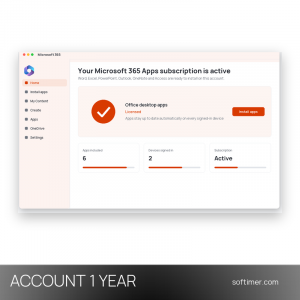
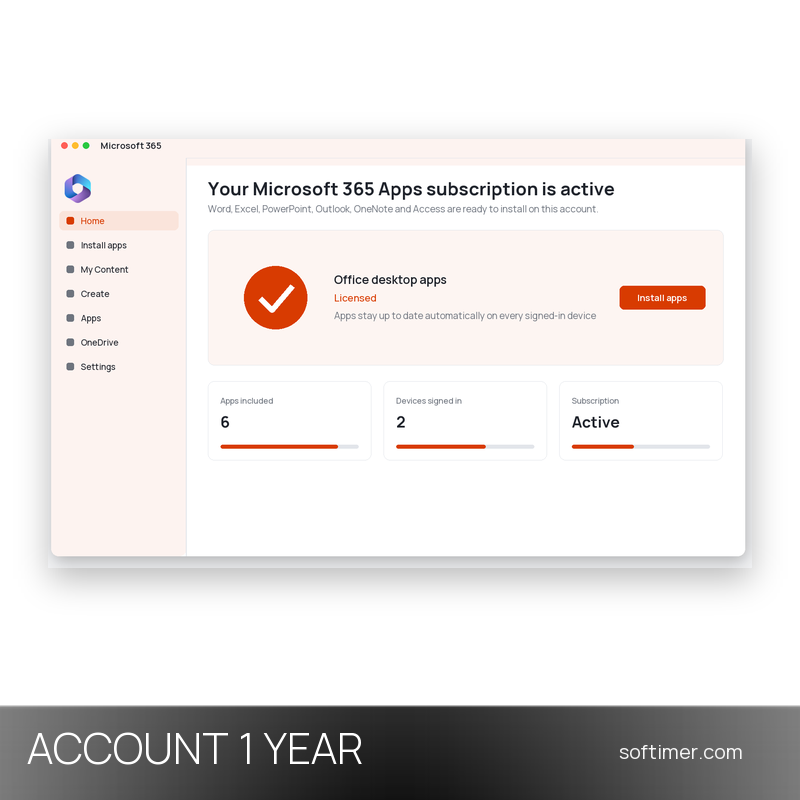
- From the account's Office home page choose Install apps and run the installer on each device, or download the mobile apps from the app store.
- Open any app and sign in with the same account: the full features are unlocked and OneDrive is ready to use.
- Keep the account as delivered: do not change the e-mail address, add recovery details or payment methods unless we tell you to, as this can break the subscription.
Delivery:
This product is delivered digitally. After your purchase is confirmed, the login details and usage instructions are sent to the email address provided at checkout. Delivery times may vary depending on the product type.
Same products


- New
- New

- New


- New

- New


- New
- New

- New


- New


Feedback
This product has no reviews. Be the first to review this product!
Share your opinion about the product
This will help other buyers make purchasing decisions
Write a review