


Affinity Photo + Affinity Designer for iPad - Lifetime - Shared ACCOUNT


- New
Affinity Photo + Affinity Designer for iPad - Lifetime Shared Account
Affinity Photo and Affinity Designer are the photo editing and vector design apps created by Serif, the British developer of the Affinity range of creative software. The iPad editions are complete programs rather than companion apps: photographers, illustrators and designers work with layers, RAW files and vector curves directly on the tablet, with the Apple Pencil or with touch gestures. What is sold here is access to an App Store account that already owns both apps, so the two programs are installed on your iPad from that account instead of being bought in your own name.
This product is access to a shared Affinity Photo + Affinity Designer for iPad account for life: the login details are sent by email and the same account is used by several customers at the same time (limit: 1 user per customer). Use of the account follows the rules described below.
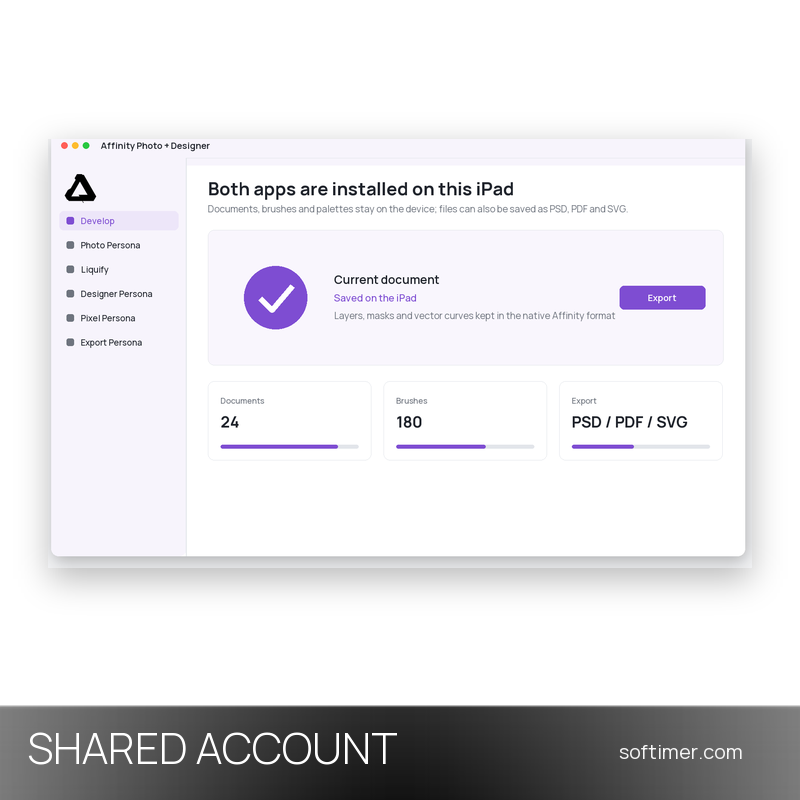
The two apps are made to be used together: a photograph is developed, retouched and masked in Affinity Photo, then placed in Affinity Designer next to a logo, an icon set or a page drawn with vector curves. Documents use the same formats as the desktop versions of Affinity and can also be opened or saved as PSD, PDF, SVG, TIFF and JPEG, so a file started on the iPad can be finished on a computer or handed to someone working with other software.
Key Features:
- Affinity Photo for iPad: Develops RAW photographs and edits them with layers, masks, adjustment and live filter layers, precise selections and retouching brushes, plus HDR merge, panorama stitching and focus stacking.
- Affinity Designer for iPad: Draws vector artwork with pen and node tools, boolean operations, grids and artboards, and switches to a pixel mode where the same drawing is painted with raster brushes.
- Apple Pencil and gestures: Brushes and vector tools follow the pressure, tilt and speed of the Apple Pencil, while two-finger gestures handle undo, zoom and colour picking without leaving the canvas.
- Files shared with the desktop versions: Documents are saved in the native Affinity formats and exported to PSD, PDF, SVG, TIFF, JPEG and PNG, so work moves between iPad, Mac and Windows.
- Everything on the device: Personas group the tools by task, and documents, brushes and palettes stay on the iPad, so both apps keep working offline once they are installed.
Product Details:
- Product: Affinity Photo + Affinity Designer for iPad
- Version: current versions of the apps for all supported platforms
- License Type: shared account, access for life
- Platform: iPad (iPadOS), apps from the App Store
- Devices: 1 user
- Language: Multilingual (English, German, French, Italian, Spanish, Portuguese, Japanese, Chinese)
- Delivery: login details of the shared account and usage rules by email after payment confirmation
- Activation: sign in with the login details received in the application
- Account holder: the account is created and kept by the supplier: it is not registered in your name and the supplier keeps control of it, so it has to be used exactly as delivered
- Expiry: the supplier does not state an expiry date in writing: the duration shown comes from the option purchased and cannot be guaranteed beyond the replacement warranty stated in these details, if any
- Publisher: Serif (Europe) Ltd
System Requirements:
- Device: iPad with a recent version of iPadOS; the Apple Pencil is supported but not required
- Apple Account: The App Store sign-in uses the credentials delivered with the order; iCloud, photos and your own purchases stay on your personal Apple Account
How to Activate:
- On the iPad open Settings, tap your name, then Media and Purchases, and sign out of the App Store only, leaving iCloud signed in.
- Sign in to the App Store with the e-mail address and password delivered with your order.
- Open the App Store, go to the purchased apps of that account and download Affinity Photo and Affinity Designer to the tablet.
- When both apps are installed, sign back in to the App Store with your own Apple Account: the downloaded apps stay on the device.
- Do not change the account data, do not add payment details and never use these credentials for iCloud.
Please note: The login details of this shared account are used by several customers at the same time. The account is not personal: it is not registered in your name, it is shared with other customers and it stays under the control of the supplier. Do not change the password, e-mail address or any account setting, do not add payment methods and do not exceed the allowed number of devices. Access is provided for life; replacement in case of technical problems is covered only within the warranty stated in the details, if the supplier provides one.
Delivery:
This product is delivered digitally. After your purchase is confirmed, the login details and usage instructions are sent to the email address provided at checkout. Delivery times may vary depending on the product type.
Same products



- New

- New


- New



- New





- New



- New

- New



Feedback
This product has no reviews. Be the first to review this product!
Share your opinion about the product
This will help other buyers make purchasing decisions
Write a review