


MiniMax Token Plan Plus (M3) - 1 Month - ACCOUNT
- New
MiniMax Token Plan Plus (M3) - 1 Month Account
MiniMax Token Plan is the subscription from MiniMax, the Shanghai-based AI company, that gives access to its M3 and M2.7 language models through a monthly token quota instead of pay-per-call billing. It is aimed at developers who use an AI assistant for programming: the plan works in MiniMax Code, both in the browser and as a desktop agent, and can be connected to Claude Code, Cursor, Cline, Roo Code, Kilo Code, OpenCode, OpenClaw and TRAE. What you buy is the plan on a MiniMax account: access works by signing in and by entering the subscription key the account provides in the tool of your choice.
This product is account access to MiniMax Token Plan Plus (M3) for 1 month: you receive the login details by email and use the service for 1 user (web browser, Windows, macOS and Linux).
Typical uses: reading and refactoring large repositories, writing new features and tests, fixing errors and reviewing changes without leaving the editor, plus agentic tasks that run several steps on their own. The higher tiers suit developers who keep several agents running in parallel or work with the assistant for many hours a day.
Key Features:
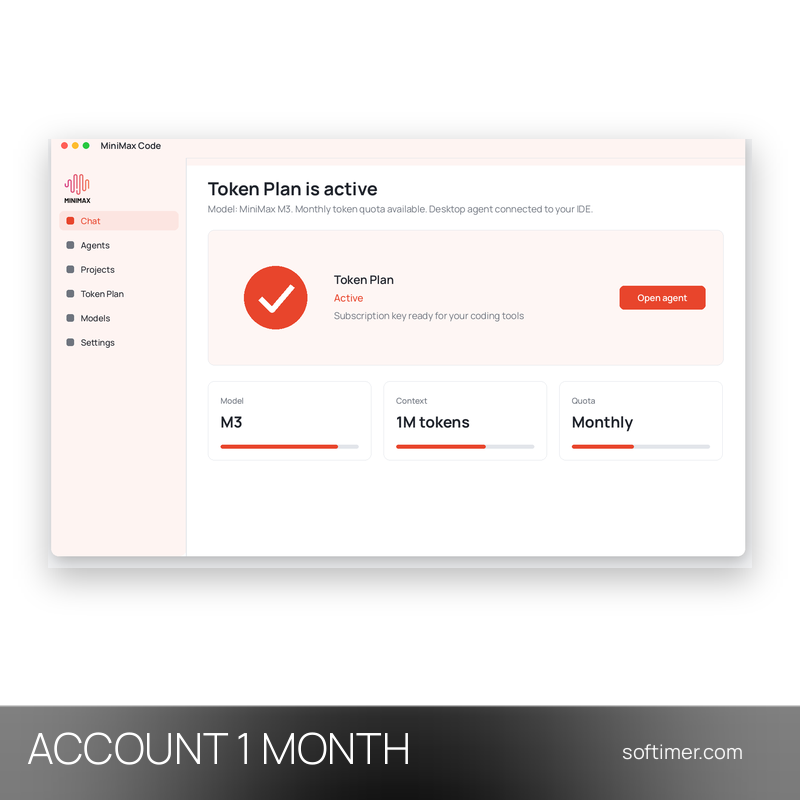
- M3 flagship model: The plan runs on MiniMax M3, the current top model of the series, built for reasoning, code and long tasks that span many files.
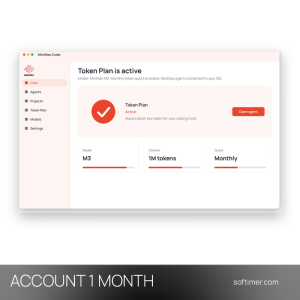
- Context up to one million tokens: A very large context window lets the model read whole repositories or long technical documents in a single session.
- Works in the tools you already use: MiniMax Code Web runs in the browser without any setup, MiniMax Code Desktop works locally as an agent in the IDE, and the same key connects Claude Code, Cursor, Cline, Roo Code, Kilo Code, OpenCode and TRAE.
- Multimodal input and a shared quota: M3 understands images and video natively, image and speech generation draw on the same monthly pool, and M2.7 is available as a faster fallback model.
- Tiers for different workloads: Plus covers individual daily use with a few parallel agents, Max raises the monthly quota and the number of agents, and Ultra offers the largest quota for intensive team or agent work.
Product Details:
- Product: MiniMax Token Plan
- Version: current versions of the apps for all supported platforms
- License Type: account access for 1 month
- Duration: 1 month
- Platform: web browser, Windows, macOS and Linux
- Devices: 1 user
- Language: English interface; the models work with many languages, including English, German, French, Italian, Russian and Chinese
- Delivery: login details (e-mail and password) and instructions by email after payment confirmation
- Activation: sign in with the login details received in the application
- Account holder: the account is created and kept by the supplier: it is not registered in your name and the supplier keeps control of it, so it has to be used exactly as delivered
- Publisher: MiniMax
System Requirements:
- Software: MiniMax Code in a web browser, MiniMax Code Desktop, or a coding tool that accepts a custom endpoint and key, such as Claude Code, Cursor, Cline, Roo Code or OpenCode, on Windows, macOS or Linux
- Internet: Permanent internet connection
How to Activate:
- Sign in to MiniMax Code Web or MiniMax Code Desktop with the e-mail address and password received after purchase.
- Keep the e-mail address and recovery details as delivered and do not add payment methods unless we tell you to; change the password only if the delivery instructions allow it.
- To use another tool, open the plan section of the account, copy the subscription key and enter it in Claude Code, Cursor, Cline or the assistant you use.
Delivery:
This product is delivered digitally. After your purchase is confirmed, the login details and usage instructions are sent to the email address provided at checkout. Delivery times may vary depending on the product type.
Same products
- New

- New
- New
- New
- New
- New


- New

- New
- New
- New

- New
Feedback
This product has no reviews. Be the first to review this product!
Share your opinion about the product
This will help other buyers make purchasing decisions
Write a review