


McAfee LiveSafe - 1 Year ACTIVATION on your account - Windows / Mac / Android / iOS


- New
McAfee LiveSafe - 1 Year Upgrade
McAfee LiveSafe is the all-round security suite from McAfee LLC, the US company behind one of the oldest antivirus brands: antivirus, firewall, web protection, a password manager and identity monitoring in a single subscription. It is aimed at households that want to cover every computer, smartphone and tablet they own with one product instead of managing a separate license for each device. The subscription is redeemed on the McAfee website with an activation code and linked to a McAfee account; the apps for each platform are then downloaded from that account.
This product activates McAfee LiveSafe for 1 year on your own account (a free account with the service is enough, unless the details say otherwise): after payment we apply the subscription to the account you indicate, usable on 1 device (Windows, macOS, Android and iOS).
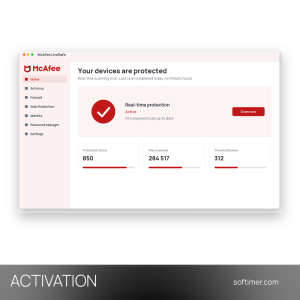
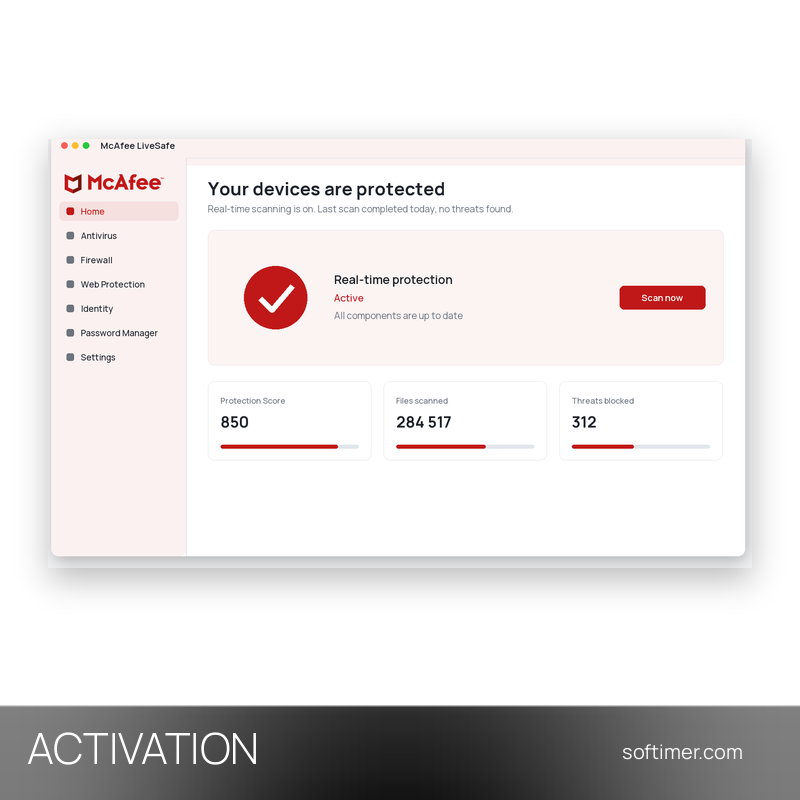
On Windows and Mac the McAfee app handles antivirus, firewall and safe browsing, on Android and iOS the McAfee Security app checks Wi-Fi networks and dangerous links, and the My Account page lists every device linked to the subscription; the Protection Score on the home screen suggests what to fix next.
Key Features:
- Antivirus and anti-malware: Real-time and scheduled scans stop viruses, ransomware, spyware and other malware on PC and Mac, and the protection keeps working when the device is offline.
- Firewall and Vulnerability Scanner: The two-way firewall on Windows watches incoming and outgoing connections, while the Vulnerability Scanner finds missing Windows and application updates and installs them in one pass.
- WebAdvisor: The browser companion flags risky websites, links and downloads before you open them, so shopping and online banking bring fewer surprises.
- Password Manager: Keeps logins in an encrypted vault, fills them in automatically and generates unique passwords for new accounts.
- Identity Protection Service: Watches the dark web for the e-mail addresses you register and warns you when they show up in a data leak; the set of monitored data depends on the country.
- Safe Family: Parental controls let you set screen-time limits, filter content and see where the children's devices are, managed from the parent's account.
Product Details:
- Product: McAfee LiveSafe
- Version: current versions of the apps for all supported platforms
- License Type: upgrade applied to your own account, 1 year
- Duration: 1 year
- Platform: Windows, macOS, Android and iOS
- Devices: 1 device
- Language: Multilingual (English, German, French, Italian, Russian and other languages)
- Delivery: after the order we agree the delivery details by e-mail; we never ask for your password
- Region: not specified – if you need activation in a specific country, contact us before ordering
- Publisher: McAfee LLC
System Requirements:
- Operating System: Windows 11 or Windows 10 version 1809 and later (64-bit; Windows 11 on ARM64), macOS 13 or later, Android 10 or later, iOS 16 or later, ChromeOS 102 or later
- Hardware: 1 GHz processor, 2 GB RAM, 1.3 GB free disk space; supported browsers: Chrome, Edge, Firefox, Safari
- Feature availability: Secure VPN and expanded identity monitoring are offered by McAfee only with auto-renewal enabled; features vary by device and country; internet connection required for activation and updates
How to Activate:
- After payment, reply to our email with the e-mail address of your McAfee account (if you do not have one yet, create it for free on the McAfee website); we never ask for your password.
- When we confirm that the activation has been carried out, sign in on the McAfee website and check on the My Account page that LiveSafe is active, with its expiry date.
- Remove any other antivirus, then download the McAfee app for Windows or Mac from My Account, or install McAfee Security from Google Play or the App Store, and sign in with the same McAfee account.
- Run a first scan and switch on WebAdvisor in the browser.
Delivery:
This product is delivered digitally as an activation: no license key is sent. After your purchase is confirmed, we contact you at the email address provided at checkout, agree with you what the activation requires and confirm by email once it has been carried out. We never ask for your password.
Same products

- New




- New



- New




- New



- New
Feedback
This product has no reviews. Be the first to review this product!
Share your opinion about the product
This will help other buyers make purchasing decisions
Write a review