


Dvina AI Plus - 1 Month - ACCOUNT

- New
Dvina AI Plus - 1 Month Account
Dvina AI is an AI assistant developed by Dvina Inc. that works in the browser and draws on the documents, apps and data you connect to it, so its answers take your own work context into account. It is meant for analysts, marketers, developers, freelancers and small teams who want to ask questions in plain language, summarise information spread across several tools and hand repetitive tasks over to the assistant. What you buy is a paid Dvina plan on an account: the plan raises the usage limits of the free tier and unlocks its more advanced reasoning and research tools.
This product is account access to Dvina AI Plus for 1 month: you receive the login details by email and use the service for 1 user (web browser).
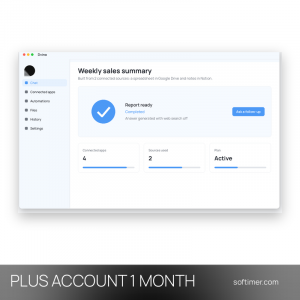
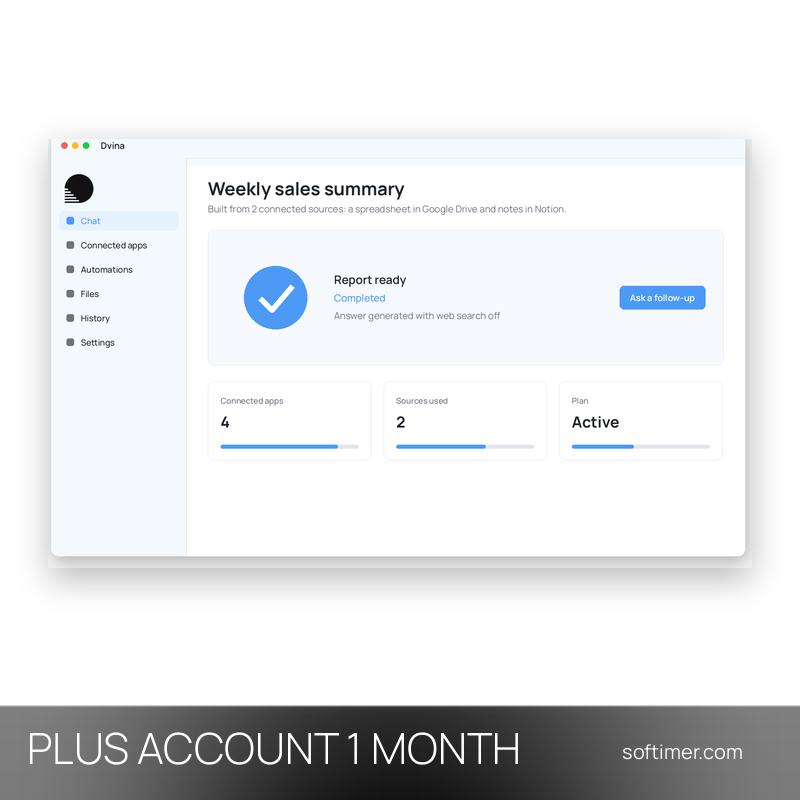
A typical request mixes sources: you connect a workspace such as Google Drive or Notion, ask Dvina to compare figures from a spreadsheet with notes from a document and receive a short report that you can refine with follow-up questions.
Key Features:
- Connected apps and data: Links to common work tools such as Google Workspace, Notion, Slack and Jira, so documents and records can be searched and used in one conversation.
- Natural language analysis: Ask questions about your data in ordinary sentences and receive summaries, comparisons and short reports without writing formulas or code.
- Task automation: Repetitive steps such as collecting information, preparing updates or moving data between connected apps can be delegated to the assistant.
- Web search and deep reasoning: For questions that need fresh information the assistant can search the web and work through complex requests step by step.
- Context memory: The assistant keeps track of your workspace and earlier requests, so follow-up questions do not need all the details again.
Product Details:
- Product: Dvina AI
- Version: Online service (web application)
- License Type: account access for 1 month
- Duration: 1 month
- Platform: web browser
- Devices: 1 user
- Language: English interface; requests can be written in many languages
- Delivery: login details (e-mail and password) and instructions by email after payment confirmation
- Activation: sign in on the service's website with the login details received
- Region: not specified – if you need activation in a specific country, contact us before ordering
- Publisher: Dvina Inc.
System Requirements:
- Browser: A current browser such as Chrome, Edge, Safari or Firefox
- Internet: Stable connection: all processing runs on the service's servers
How to Activate:
- Open the Dvina website and sign in with the account details delivered with your order.
- Do not change the account e-mail or password and do not add payment details unless our instructions say otherwise.
- Check the active plan in the account settings, then connect the apps you want the assistant to use.
Delivery:
This product is delivered digitally. After your purchase is confirmed, the login details and usage instructions are sent to the email address provided at checkout. Delivery times may vary depending on the product type.
Same products


- New


- New

- New
- New


- New


- New


- New


- New
- New




- New
Feedback
This product has no reviews. Be the first to review this product!
Share your opinion about the product
This will help other buyers make purchasing decisions
Write a review