


CapCut Standard - 1 Month - ACCOUNT
- New
CapCut Standard - 1 Month Account
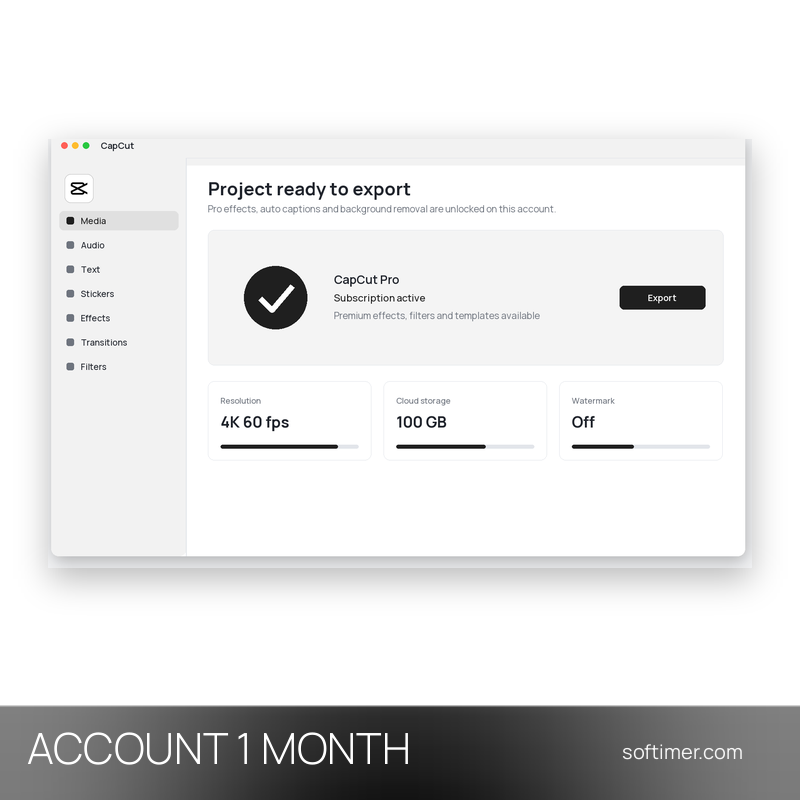
CapCut is the video editor developed by ByteDance, available as a desktop application for Windows and Mac, as a mobile app for Android and iOS and as a browser version. CapCut Standard is a paid plan of the editor placed below Pro: it unlocks part of the premium content on the account, while some Pro features and AI tools may not be included. The paid features are unlocked on the CapCut account itself, so there is no licence key or code to enter in the program.
This product is account access to CapCut Standard for 1 month: you receive the login details by email and use the service for a number of users not stated by the supplier (Windows, macOS, Android, iOS and web browser).
Suited to creators who publish short videos for social platforms and to small businesses that produce product clips directly on a phone or tablet.
Key Features:
- Paid features of the Standard plan: The effects, filters, templates and export options included in CapCut Standard are unlocked on the account; the plan may not include every Pro feature.
- Editing tools: Timeline editing, cutting, speed changes, text, music and transitions are available in the CapCut mobile app for Android and iOS.
- Mobile app only: The Standard plan is used in the CapCut app on phones and tablets: it does not unlock the desktop or web version, which require the Pro plan.
Product Details:
- Product: CapCut Standard
- Version: current versions of the apps for all supported platforms
- License Type: account access for 1 month
- Duration: 1 month
- Platform: Windows, macOS, Android, iOS and web browser
- Devices: number of users not stated by the supplier
- Language: Multilingual (English, German, French, Italian, Russian and other languages)
- Delivery: login details (e-mail and password) and instructions by email after payment confirmation
- Activation: sign in with the login details received in the application
- Account holder: the account is created and kept by the supplier: it is not registered in your name and the supplier keeps control of it, so it has to be used exactly as delivered
- Notes: Standard and Pro are two different CapCut paid plans: the Standard plan may not include every Pro feature or AI tool
- Publisher: ByteDance
System Requirements:
- Internet: Online connection required to sign in, use the AI tools and sync projects
- Windows: Windows 10 or later (64-bit)
- Mac: macOS 11 or later
- Android: Android 8 or later
- iOS: iPhone or iPad with iOS 15 or later
- Web version: A current browser for the web version of CapCut
How to Activate:
- Install CapCut on your device from the CapCut website or the app store and open it.
- Sign in with the e-mail address and password received after the purchase; the Standard plan is already active on the account.
- Do not change the e-mail address or password of the account and do not add payment methods unless we tell you to.
- If the first login attempt fails, wait 30-60 minutes and try again once: repeated attempts can temporarily block access.
Delivery:
This product is delivered digitally. After your purchase is confirmed, the login details and usage instructions are sent to the email address provided at checkout. Delivery times may vary depending on the product type.
Same products
- New
- New
- New

- New
- New
- New

- New
- New
- New
- New
- New
- New
Feedback
This product has no reviews. Be the first to review this product!
Share your opinion about the product
This will help other buyers make purchasing decisions
Write a review