


FastStone MaxView 3.4 - Lifetime License KEY - Windows


- New
FastStone MaxView 3.4 - Perpetual License
FastStone MaxView is a compact and very fast image viewer for Windows from FastStone Soft. It opens pictures in a borderless window with hidden menus, so the image uses as much of the screen as possible. It is meant for people who want a quick default viewer to open, zoom, rotate and lightly annotate images without launching a full photo editor. This listing is a registration name and code that register the installed copy of the program; no online account is needed.
This product is a perpetual license key for FastStone MaxView 3.4: it does not expire and can be used on 1 PC running Windows. The key is delivered by email together with the activation instructions.
MaxView works well as the default program for image files: double-click a photo, flip through the folder with the keyboard, rotate or crop what needs it, and copy, move or delete files with hotkeys as you go.
Key Features:
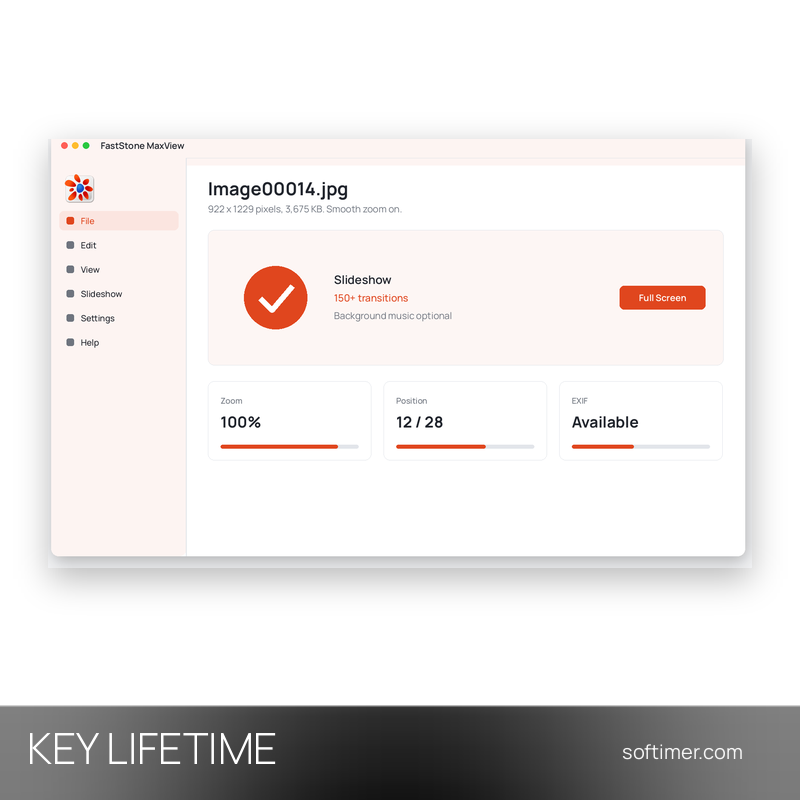
- Borderless full-screen viewing: Menus and toolbars stay hidden until needed, and Select-Zoom, a magnifier and a navigator make it easy to inspect large images.
- Quick edits and annotations: Lossless JPEG rotation, cropping and the addition of text, lines, arrows and highlights directly on the picture.
- Slideshows: Slideshow mode with more than 150 transition effects and optional background music.
- Keyboard-driven file handling: Hotkeys for navigation and for copying, moving, deleting, renaming and rotating files, plus setting any image as the Windows wallpaper.
- Formats and archives: Reads common image formats and popular camera RAW formats, shows EXIF data and opens pictures inside ZIP, RAR and 7-Zip archives as well as CBR, CBZ and CB7 comic files.
Product Details:
- Product: FastStone MaxView
- Version: 3.4
- License Type: perpetual license key, no expiry
- Platform: Windows
- Devices: 1 PC
- Language: Multilingual (English, German, French, Italian, Russian and other languages)
- Delivery: license key and instructions by email after payment confirmation (usually within a few hours)
- Activation: online, license key entered in the application
- Publisher: FastStone Soft
System Requirements:
- Operating System: Windows 7, 8, 8.1, 10 or 11 (32-bit or 64-bit)
How to Activate:
- Download FastStone MaxView from the FastStone website and install it.
- Start MaxView and open the Help menu, then choose Enter Registration Code.
- Enter the registration name and the registration code exactly as delivered.
- Confirm with Register: the program is now registered.
Delivery:
This product is delivered digitally. After your purchase is confirmed, the license key and activation guidance are sent to the email address provided at checkout. Delivery times may vary depending on the product type.
Same products

- New


- New




- New


- New


- New


- New


- New





- New


- New



- New
Feedback
This product has no reviews. Be the first to review this product!
Share your opinion about the product
This will help other buyers make purchasing decisions
Write a review