


TradingView Premium - 1 Month - ACCOUNT


- New
TradingView Premium - 1 Month Account
TradingView is the charting and market analysis platform developed by TradingView Inc. It covers stocks, forex, cryptocurrencies, indices, futures and commodities with data from more than 150 exchanges, and runs in the browser, in the desktop app for Windows and Mac and in the mobile apps for Android and iOS. It is used by private traders and investors who want professional charts, custom indicators and price alerts, and by anyone who follows the markets and shares ideas with the TradingView community. What you buy is a TradingView account with a paid plan already active. The plan removes the limits of the free version: more charts per tab, more indicators per chart, longer price history, more alerts and an ad-free interface, with the same account usable on the web, on the desktop app and on the phone.
This product is account access to TradingView Premium for 1 month: you receive the login details by email and use the service for 1 user (web browser, Windows, macOS, Android and iOS).
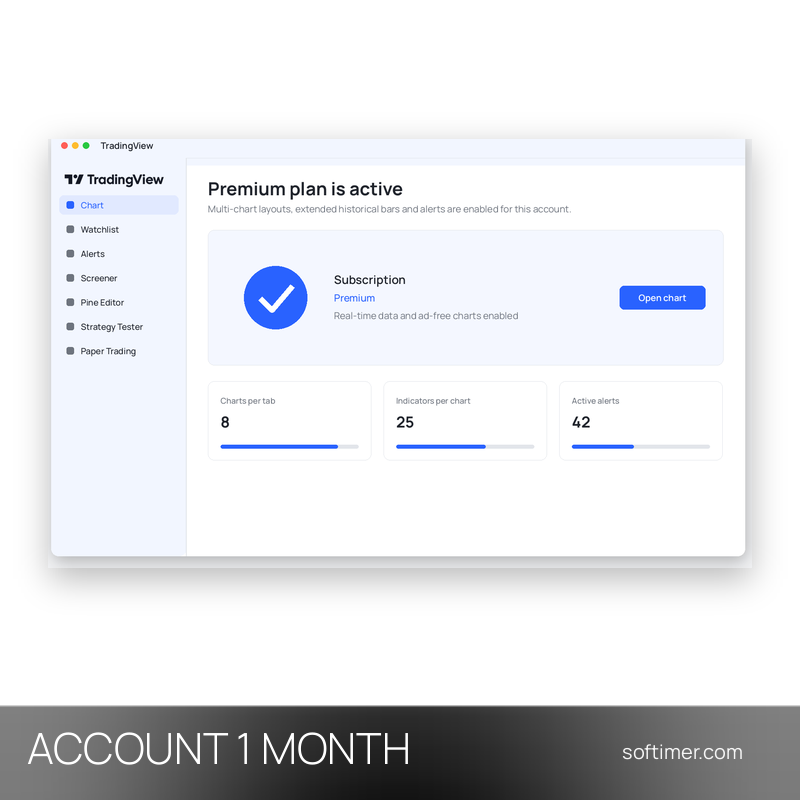
The Premium plan is designed for intraday and professional use: eight charts per tab, twenty-five indicators per chart, 20,000 historical bars, four hundred price alerts and four hundred technical alerts, second-based intervals and priority support.
Key Features:
- Multi-chart layouts: Several charts in one tab, synchronised by symbol, interval and crosshair, so you can follow one instrument on different timeframes or compare markets side by side.
- Indicators and drawing tools: More than 400 built-in indicators plus a community library with tens of thousands of scripts, automatic chart patterns and candlestick recognition, with a higher number of indicators per chart on the paid plans.
- Price and technical alerts: Alerts on price levels, indicator values and strategy conditions, delivered in the app, by e-mail or as push notifications on the phone; the quota grows with the plan.
- Pine Script and Strategy Tester: Write your own indicators and strategies in Pine Script, then check them against historical data with the built-in backtesting tool before using them live.
- Bar Replay and Paper Trading: Replay past market sessions bar by bar to practise, and place simulated orders through the integrated paper trading account without risking money.
- Volume Profile and extended history: Volume Profile indicators, more historical bars per chart and, on the higher plans, second-based intervals and tick data for detailed intraday analysis.
Product Details:
- Product: TradingView
- Version: current versions of the apps for all supported platforms
- License Type: account access for 1 month
- Duration: 1 month
- Platform: web browser, Windows, macOS, Android and iOS
- Devices: 1 user
- Language: Multilingual (English, German, French, Italian, Russian and other languages)
- Delivery: login details (e-mail and password) and instructions by email after payment confirmation
- Activation: sign in with the login details received in the application
- Region: not specified – if you need activation in a specific country, contact us before ordering
- Replacement warranty: the supplier guarantees the replacement of the account for 1 day from delivery
- Notes: for a new activation only (not for renewal)
- Publisher: TradingView Inc.
System Requirements:
- Devices: A current web browser, or the TradingView desktop app for Windows and macOS and the mobile apps for Android and iOS
- Internet: Permanent internet connection; market data is streamed from the TradingView servers
How to Activate:
- Go to the TradingView website or open the app and sign in with the e-mail address and password received after purchase.
- Do not change the e-mail address of the account and do not add payment methods unless we tell you to; the instructions sent with the login details say whether the password may be changed.
- The paid plan is already active on the account: the extra charts, indicators and alerts are available in the browser, in the desktop app and in the mobile apps.
Delivery:
This product is delivered digitally. After your purchase is confirmed, the login details and usage instructions are sent to the email address provided at checkout. Delivery times may vary depending on the product type.
Same products


- New

- New



- New
- New


- New


- New



- New
- New





Feedback
This product has no reviews. Be the first to review this product!
Share your opinion about the product
This will help other buyers make purchasing decisions
Write a review